Unlock Your 14-Day Free Trial with Free Credits!
Get Started for Free


How to Send Broadcast Message on WhatsApp Without Ban
September 25, 2026
.
Anya Sam . 8 min read
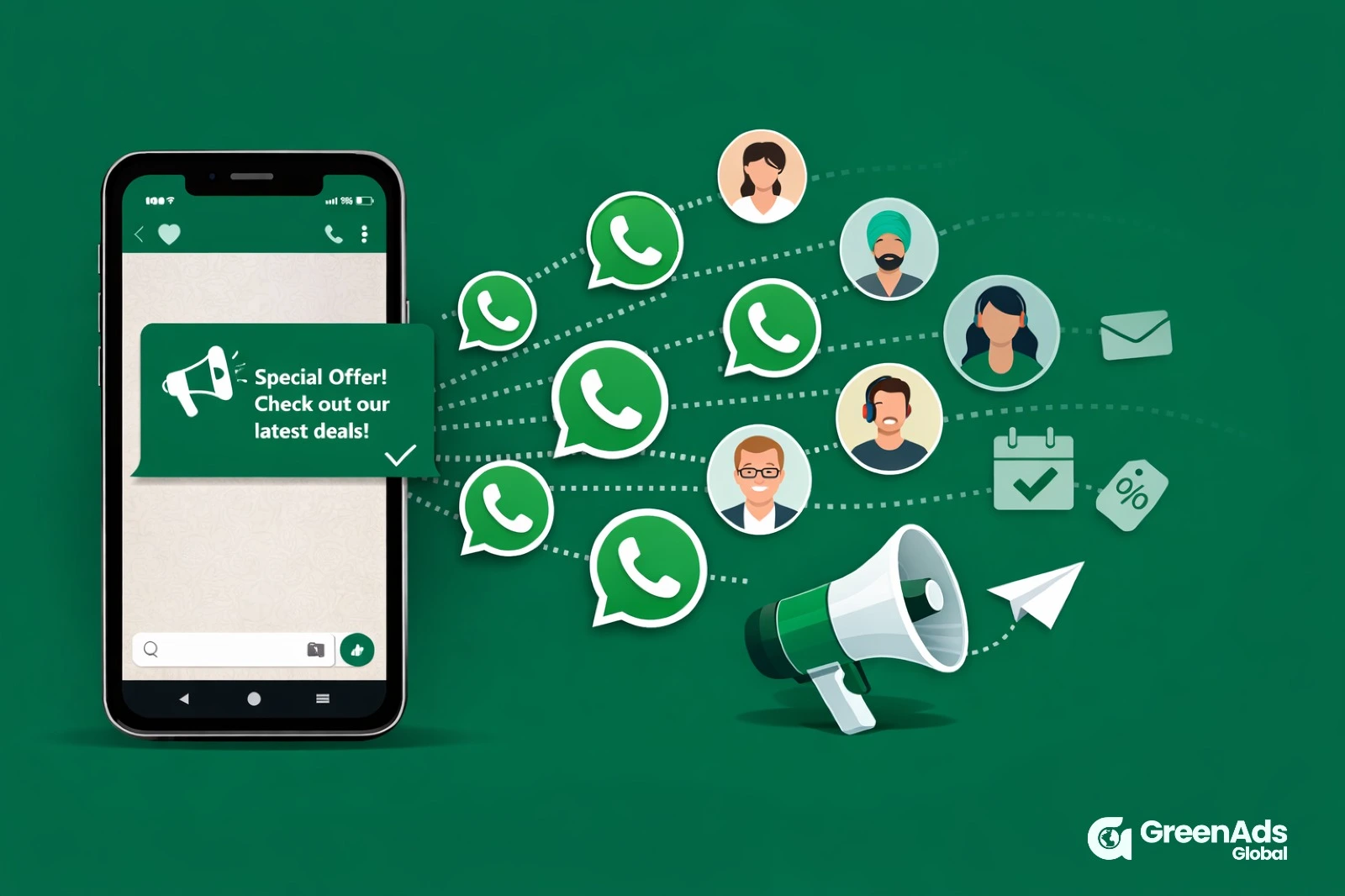
Table of contents

WhatsApp broadcast helps businesses send one message to many customers as separate private chats for offers, updates and reminders.
Key takeaways:
- Broadcast list limit: Standard WhatsApp and WhatsApp Business App broadcast lists support up to 256 recipients per list.
- Delivery: Traditional broadcasts may not reach contacts who have not saved your business number.
- API broadcasts: WhatsApp Business API supports larger audiences, scheduling, templates, buttons, analytics and shared inboxes.
- WhatsApp Business API message pricing: Costs depend on message category and recipient market, while platform subscription fees are separate.
- Performance: Keep messages short, segmented and relevant, with one clear CTA and controlled sending frequency.

If you have ever found yourself typing the same message again and again, you are not alone. Pricing, timings, order updates, new offers, appointment reminders. It adds up fast. WhatsApp broadcast is one of the simplest ways to send one message to many people, without creating a noisy group chat.
In this guide, I will show you exactly how to send broadcast message on WhatsApp, how it works, what the limits are, and what to do when you want to broadcast to more people with better tracking.
What is a WhatsApp broadcast message
A WhatsApp broadcast message is a single message you send to multiple contacts at once, delivered as separate one-to-one chats. Recipients do not see each other, and replies come back to you privately. That is why it feels personal and works well for customer communication.
When you should use WhatsApp broadcast
WhatsApp broadcast works best when your message is useful and relevant. Here are common situations:
- Sharing a new offer or product drop
- Sending order and delivery updates
- Back in stock alerts
- Appointment reminders
- Event updates and confirmations
- Collecting feedback and reviews
If the message is not useful, people ignore it. If you overdo it, people mute you. So keep it clear, helpful, and not too frequent.
Before you send broadcast message on WhatsApp
Do these quick checks first. They save a lot of frustration later.
1) Make sure you are using the right WhatsApp account
You can create broadcast lists on:
- WhatsApp Messenger app
- WhatsApp Business app
Both support broadcast lists, but WhatsApp Business is better for business features like labels, catalogues, and quick replies.
2) Know the biggest broadcast rule
For broadcast lists, many recipients will receive your message only if they have saved your number in their contacts. If people complain they did not get your broadcast, this is usually the reason.
3) Keep your list clean
Only add people who actually want to hear from you. It improves replies, reduces blocks, and keeps your account healthy.
How to send broadcast message on WhatsApp (Android)
Here is the exact step by step process.
- Open WhatsApp
- Tap the three dots menu in the top right
- Tap New broadcast
- Select the contacts you want to send to
- Tap the tick icon to create the broadcast list
- Type your message and hit send
That is it. WhatsApp will deliver the message as individual chats.
Tip: Name your broadcast list in your own notes or labels so you know what it is for, like New leads, Repeat customers, VIP buyers.
How to send broadcast message on WhatsApp (iPhone)
The steps are slightly different, but simple.
- Open WhatsApp
- Tap Lists at the top of your Chats screen
- Tap New List
- Select recipients
- Tap Create
- Open the list, type your message, and send
How to send broadcast message on WhatsApp Business
If you are using WhatsApp Business, the steps are almost the same as WhatsApp Messenger. The advantage is you can organise better.
Use these WhatsApp Business features before you send broadcast message:
- Labels: tag people as New lead, Paid, Repeat, Support, etc
- Quick replies: save common replies and respond faster
- Catalogue: share products easily inside chat
This makes your broadcasts feel more structured and less messy.
WhatsApp broadcast list limit
On normal WhatsApp and WhatsApp Business app, a broadcast list supports up to 256 recipients per list.
If you have 1,000 contacts, you will need multiple lists. That is when broadcast starts becoming difficult to manage, because:
- You cannot schedule sends natively
- Tracking is not built for campaigns
- Personalisation is limited
- Delivery can be inconsistent if people have not saved your number
If your business is growing, this is usually where you start looking at WhatsApp Business API solutions.
Why some broadcast messages are not delivered
If you sent a broadcast and only a few people received it, do not panic. Here are the most common reasons.
1) Recipients have not saved your number
This is the number one reason for low delivery on broadcast lists. Ask customers to save your number during opt in. A simple line works:
“Save this number to receive updates on WhatsApp.”
2) You are messaging cold contacts
If people did not opt in, they may ignore, block, or report the message. That hurts performance long term.
3) Too many messages too frequently
If you send too often, people mute you. Replies drop. Your broadcasts feel like noise. Reduce frequency and send only useful updates.
4) Wrong list selection
Sometimes it is just human error. You created a list but forgot to include key contacts. Always double-check before sending.
Best practices to send broadcast message on WhatsApp
If you want your broadcast to work, the content matters more than the feature.
1) Keep it short and specific
People read WhatsApp fast. Respect their time.
Bad: “We have many offers available please check our website.”
Better: “Hi Rahul, 20 percent off on shoes till tonight. Want the link?”
2) Use a clear call to action
Give them one next step:
- Reply YES to get the link
- Click to view catalogue
- Tell us your size
- Book your slot
3) Segment your audience
Do not send the same message to everyone. Split by:
- New leads vs existing customers
- City or location
- Past purchases
- Interest category
- VIP customers
4) Send at the right time
Most businesses see better replies during business hours. Avoid late nights. Test morning vs evening and stick to what works.
Broadcast message examples you can copy
Here are a few message templates you can use today.
Offer message
“Hi Name, we have a limited deal on Product today only. Want the link?”
Back in stock
“Hi Name, the item you asked for is back in stock. Reply YES and I will share it.”
Appointment reminder
“Hi Name, reminder for your appointment tomorrow at 4 PM. Reply 1 to confirm, 2 to reschedule.”
Feedback request
“Hi Name, how was your experience with us? Reply with a number from 1 to 5.”
How to send broadcast message to more than 256 people
This is the question most growing businesses reach eventually.
If you want to broadcast to thousands, with scheduling, templates, buttons, and analytics, the best option is the official WhatsApp Business API through a provider platform.
With API based broadcast, you can:
- Send to large audiences based on messaging limits
- Schedule campaigns
- Use approved templates
- Add buttons like Visit website, Call now, Quick reply
- Track delivered, read, clicks, and replies
- Manage conversations with a shared team inbox
- Handle opt outs automatically
If your goal is consistent delivery and proper campaign tracking, API broadcast is a better long term setup than juggling multiple app lists.
Before scaling your campaigns, review WhatsApp Business API message pricing so you can budget for message charges alongside your platform subscription.
WhatsApp broadcast message rules you should follow
Broadcast is powerful, but it is easy to misuse. If your messages feel random, too frequent, or irrelevant, people will mute, block, or opt out. Keep it permission-based, helpful, and predictable.
Simple rules that keep you safe:
- Send only to people who expect your message
- Add an easy opt out line in your message
- Avoid misleading offers or bait style messaging
- Do not spam daily unless it is truly needed
- Reply quickly when people respond
How to write a broadcast message that gets replies
A WhatsApp broadcast message should feel like you typed it for one person. The structure matters more than fancy words.
A simple message formula that works:
- Personal opener (name or context)
- One clear value (offer, update, reminder)
- One action (reply YES, click link, choose option)
Best time to send broadcast message on WhatsApp
Timing can change results a lot. People check WhatsApp all day, but they reply more when they are not busy or half asleep.
Good starting points:
- Weekdays: late morning or early evening
- Weekends: late morning
- Avoid late night and very early morning
If you serve multiple cities, this is where scheduling becomes important. The normal app does not help much here, which is why businesses move to tools or API setups.
How often should you send broadcast messages
Frequency is where most brands mess up. Too many messages and you get ignored. Too few and people forget you.
A practical frequency guide:
- Offers: 1 to 2 times per week max
- Updates like orders and appointments: as needed
- Content or tips: 1 time per week
- VIP customers: slightly more is okay if they opted in for it
Always watch replies and opt-outs. That tells you if you are pushing too hard.
When you should upgrade to WhatsApp Business API
If you are sending to a few hundred people, broadcast lists are fine. But once you start growing, you will have to use WhatsApp Business API.
Upgrade to WhatsApp API if you need:
- Sending to thousands
- Scheduling campaigns
- Templates, media, and buttons
- Better delivery control
- Segmentation at scale
- Analytics like clicks, replies, revenue
- Shared inbox for teams
- Automatic opt out handling
This is the cleanest path if you want to broadcast regularly without chaos.
Final thoughts
To send broadcast message on WhatsApp, start simple with broadcast lists if your audience is small. Keep messages useful, relevant, and not too frequent. Once you need more than 256 recipients, scheduling, tracking, and better control, it is worth moving to a WhatsApp Business API based broadcast setup so you can grow without chaos.
Planning to scale your broadcasts ? Review our WhatsApp Business API message pricing to compare platform plans and understand the cost structure before you start sending at higher volumes.
₹ 899
₹ 2,249
₹ 3,149
$30
$50
Frequently Asked Questions
1. What is a WhatsApp broadcast message ?
A WhatsApp broadcast message sends one update to multiple contacts as separate private chats. Customers cannot see the other recipients or their replies; each response comes directly to your business. This lets you share an announcement without putting customers into a group where everyone can see the conversation.
2. How to broadcast message on WhatsApp to more than 256 customers ?
In the WhatsApp Business App, traditional broadcast list supports up to 256 contacts. For larger campaigns, GreenAds’ WhatsApp Business API service lets you import opted-in contacts, select an audience and send approved templates. Your sending capacity still depends on your account’s messaging limits and quality - the more messages you broadcast, the more Meta will see it as a trust factor and increase your message sending capacity. It first starts out with 2000, after which it can increase beyond 1 lakh.
3. Can I send a WhatsApp broadcast without saving number ?
Yes. In fact this is the exact advantage of WhatsApp Business API -with GreenAds Global, you can add customer numbers to the platform, without requiring prior permission. But always ensure that broadcasts are not send as spam, as this can cause customers to opt-out or report as spam, affecting your Meta messaging profile quality.
4. How does WhatsApp Business API message pricing work for broadcast campaigns ?
WhatsApp Business API message pricing depends on the message category and the recipient’s market. Marketing broadcasts and utility messages can be charged differently, so check the approved template category and applicable Meta rate before estimating campaign costs. Your platform subscription is a separate cost component.
5. Can I schedule a broadcast message on WhatsApp ?
The normal WhatsApp and WhatsApp Business apps do not provide native campaign scheduling for standard broadcast lists. Businesses that need scheduled campaigns typically move to the WhatsApp Business API-based setup, where broadcasts can be prepared and sent at planned times.
6. What should I include in a WhatsApp broadcast message to get more replies ?
Keep the message short and personal. Use a simple structure: start with the customer’s name or context, give one clear reason for the message, and finish with one action such as “Reply YES,” “View catalogue,” or “Book your slot.”
7. How do I estimate WhatsApp Business API message pricing for a broadcast ?
Start with the number of messages you expect to be delivered, then apply the relevant rate for the message category and recipient market. If your audience spans multiple countries, calculate each market separately and add your platform subscription to estimate the overall campaign budget. You can see our WhatsApp Business API message pricing and the features of each plan.
8. What is a good example of a WhatsApp broadcast message ?
For an appointment reminder, you could send:
Hi [Name], reminder for your appointment tomorrow at 4 PM. Reply 1 to confirm or 2 to reschedule.
Your blog also includes examples for offers, back-in-stock alerts and feedback requests.
9. When should I move from broadcast lists to the WhatsApp Business API ?
Consider upgrading when you need to send to thousands of contacts, schedule campaigns, use templates and buttons, segment customers at scale, track clicks and replies, manage a shared team inbox or automate opt-outs. These are the points where multiple 256-contact lists become difficult to manage.
10. How does WhatsApp Business API message pricing apply to broadcast campaigns ?
When you move from WhatsApp Business app (that has a 256-contact broadcast list limit) to WhatsApp Business API-based broadcasting, your campaign setup changes from simple list sending to an official API workflow send to customers at scale. WhatsApp Business API message pricing should therefore be considered when budgeting larger campaigns, alongside the platform you use to schedule, track and manage those broadcasts.

Book a One-to-One Meeting With Our Product Expert
Have questions? We have got answers! Connect with our product expert for a personalized demo session and discover the best messaging solutions for your business.
.svg)
