Unlock Your 7-Day Free Trial with Free Credits!
Get Started for Free


WhatsApp Marketing: Complete Guide for 2026
September 25, 2026
.
Anya Sam . 9 min read

Key takeaways:
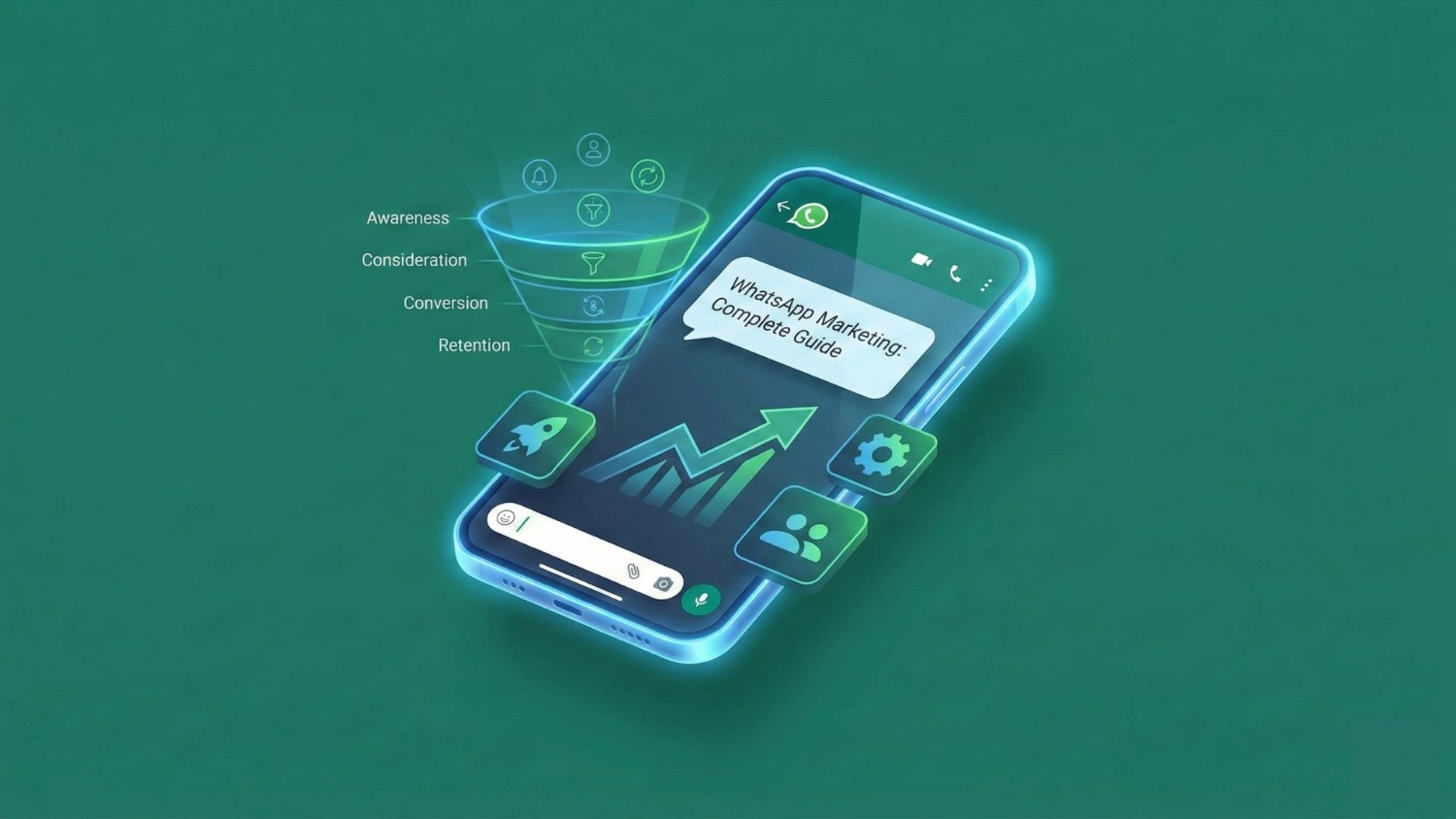
WhatsApp marketing helps businesses promote products, engage customers, automate conversations and drive sales through both the WhatsApp Business App and the WhatsApp Business API. The right approach depends on your team size, campaign volume, automation needs and integrations.
· WhatsApp Business App: Suitable for smaller businesses managing chats, broadcasts, catalogues and basic promotions.
· WhatsApp Business API: Best for businesses needing automation, multi-agent support, CRM integrations and scalable campaigns.
· Marketing strategy: Build an opted-in audience, segment customers and send relevant messages based on intent and behaviour.
· WhatsApp marketing message pricing: Costs can include Meta messaging charges, platform fees and provider charges.
· Performance tracking: Monitor replies, clicks, conversions and cost per conversion to measure campaign effectiveness.

Let’s be honest: when was the last time you ignored a WhatsApp message?
Probably never. You hear that ping, and you look. It’s almost a reflex.
WhatsApp has quietly become one of the most powerful marketing channels in the world. not because it pushes ads, but because it creates real conversations. In 2026, customers expect fast replies, personalised updates, instant confirmations and seamless support. WhatsApp happens to be the only channel where they already spend hours every day.
That’s why WhatsApp marketing is no longer just a trend. It’s a full-funnel growth strategy.
This guide explains how to build that approach using either the WhatsApp Business App or the WhatsApp Business API. You will also find practical campaign ideas, promotion message examples and a framework for measuring results.
Let’s dive in.
What Is WhatsApp Marketing?
WhatsApp marketing refers to using WhatsApp to promote your business, engage customers and drive sales through direct, conversational messages. Unlike traditional ads or emails, WhatsApp puts you in your customer's personal inbox, where responses are quick, human, and often more meaningful.
With WhatsApp, businesses can:
- Send promotions and seasonal offers
- Recover abandoned carts
- Confirm COD orders
- Share product catalogues, videos or PDFs
- Offer automated customer support
- Run loyalty programmes
- Collect feedback
- Manage enquiries in real time
In 2026, customers expect communication that feels human, instant and helpful. WhatsApp provides exactly that.
Understanding WhatsApp Marketing
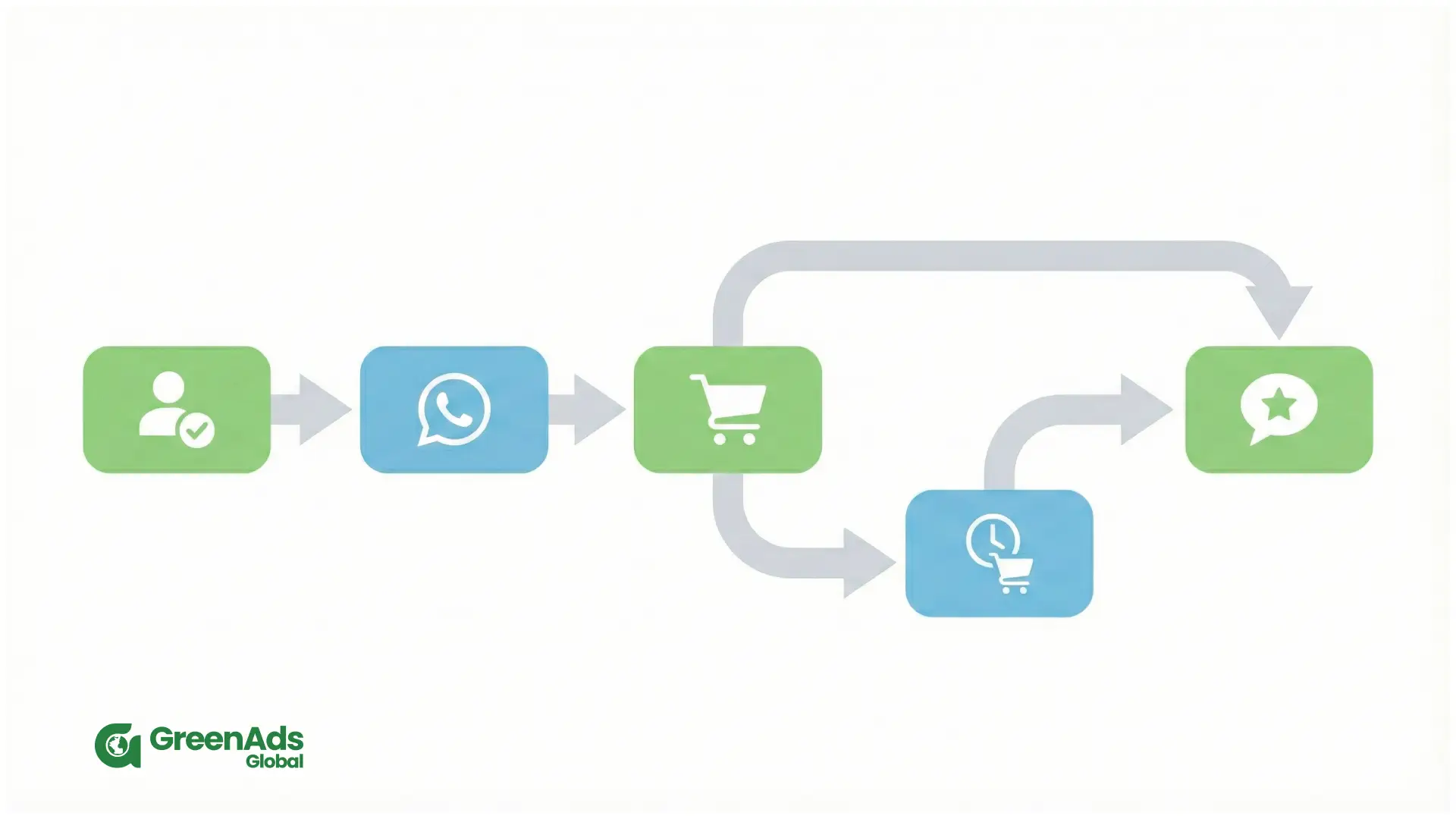
WhatsApp Marketing refers to the use of WhatsApp to engage customers, promote products, send updates and support users in real time. Instead of broadcasting ads to a large audience, you communicate with people in a channel they already trust. This creates a personalised and comfortable experience that cannot be achieved with traditional marketing methods.
Businesses use WhatsApp to share offers, verify cash-on-delivery orders, recover abandoned carts, send order confirmations, nurture leads, collect feedback, and support customers through dedicated chat flows. Because messages arrive directly inside a familiar app, customers respond quickly and often continue the conversation for additional queries.
WhatsApp Marketing works equally well for large companies, mid-sized businesses and even small local shops. Any brand that wants faster response times and higher engagement can benefit from it.
Why Is WhatsApp Marketing So Effective in 2026?
Unmatched Engagement
Email open rates are dropping, SMS feels outdated, and social media algorithms are unpredictable. WhatsApp, however, delivers open rates above 90% and faster replies than any channel.
Customers reply because they feel it’s a real conversation, not a broadcast
Real-Time Interactions
Order confirmations, payment links, delivery updates, product recommendations. all delivered instantly.
Personal and Trustworthy
WhatsApp is where people talk to family and friends. When brands appear here (with permission), it feels personal and trustworthy.
Rich Media Support
You can send images, videos, buttons, catalogues, payment prompts, and even interactive forms, making conversations smoother and more engaging.
Works for Every Industry
E-commerce, real estate, healthcare, education, hospitality, finance, service businesses, every industry benefits from WhatsApp message marketing.
How WhatsApp Marketing Actually Works
WhatsApp Marketing can be done in two ways. The first is through the WhatsApp Business App. This option is created for very small businesses. It allows basic messaging and simple quick replies, but cannot support automation, multiple agents or large-scale campaigns. It is suitable only if you manage a very small number of chats.
The second method is through the WhatsApp Business API. This is the professional version used by growing companies. With the API, you can automate campaigns, handle thousands of customers, run WhatsApp message marketing flows, integrate with your website or CRM and manage your team through a shared dashboard.
To use the API, you need a WhatsApp API Provider. GreenAds Global is one such provider and offers everything required to set up and run a WhatsApp campaign smoothly.

WhatsApp Business App vs WhatsApp Business API: which should you use?
The Business App is designed for small-business communication. The API, part of the WhatsApp Business Platform, supports messaging connected to business systems and configurable workflows. The better choice depends on how your team needs to operate - not simply the size of your contact list.
How to use WhatsApp Business for marketing: the App guide
The Business App provides a starting point for businesses that want to manage customer conversations without building an API integration. It is free to download and includes business-profile and messaging tools.
1. Build a profile that answers basic questions
Complete your business name, description, operating hours, website and contact details. Use a recognisable profile image so customers can identify who they are speaking to.
Write the description around what customers need to know.
For example:
Custom gifting for businesses and special occasions. Message us for product options, personalisation and delivery enquiries.
Where relevant, organise your product catalogue with clear images, names and descriptions. The App supports catalogues and links to individual items.
2. Organise conversations before launching campaigns
Use labels to organise chats.
For your own workflow, you could distinguish between new enquiries, customers awaiting a quotation, completed purchases and people who have requested a follow-up.
Keep marketing permission separate from sales status. A label such as “past customer” should not automatically mean “eligible for every promotion.”
3. Prepare helpful responses
The App includes greeting messages, away messages and quick replies. Quick replies are saved responses your team can insert; they are not the same as an automated conversation flow.
Prepare responses for questions you repeatedly receive, such as delivery coverage, product availability, booking procedures and business hours.
Make an away message useful rather than vague:
Thanks for your message. Our team is available during [business hours]. We’ll reply when we reopen.
4. Use broadcasts and Status with a clear purpose
Review the broadcast feature available to your account. Eligible Business Broadcasts can include scheduling, action buttons and insights.
For your campaign plan, give each broadcast one job: announce a new collection, invite an enquiry or explain a relevant offer.
Status is another format to consider for product demonstrations, behind-the-scenes updates or new arrivals. It supports content such as photos, videos and text that lasts 24 hours.
Avoid turning every update into an urgent sales announcement. Show customers something useful before asking them to buy.
5. Create a simple follow-up routine
Set aside time to review unanswered enquiries and promised follow-ups. Record which campaign generated each conversation and what happened next.
A small tracking sheet can include the campaign name, audience, offer, replies, qualified enquiries and completed purchases.
This gives you a practical way to assess your WhatsApp marketing campaign without judging success only by the number of messages sent.
Key WhatsApp Marketing Strategies for 2026
Now, let us talk about what to actually do with WhatsApp Marketing in 2026. These are practical strategies you can follow, even if you are just getting started. Each one is simple, but together they create a strong system that works every day in the background.
Build a quality opt-in list
WhatsApp is a permission-based channel. The more clearly you ask for consent, the better your results. Your goal is to collect a list of people who genuinely want to hear from you, not just random numbers.
You can do this by adding WhatsApp opt-ins at key points such as:
- Your website contact forms
- checkout pages
- lead magnets or enquiry forms
- QR codes in store or at events
- call to action buttons on social media and adverts
Tell people exactly what they will receive if they opt in. For example, order updates, offers or early access. This makes your WhatsApp Marketing feel honest and valuable from the first message.
Use Automation to Reduce Manual Work
If you are replying to everything by hand, you will burn out very quickly. This is where a good WhatsApp software or WhatsApp marketing tool becomes important. It lets you set up flows once, and then the system keeps running without constant effort from your side.
For example, you can automate:
- a welcome message when someone first joins your WhatsApp list
- order confirmation and shipping updates
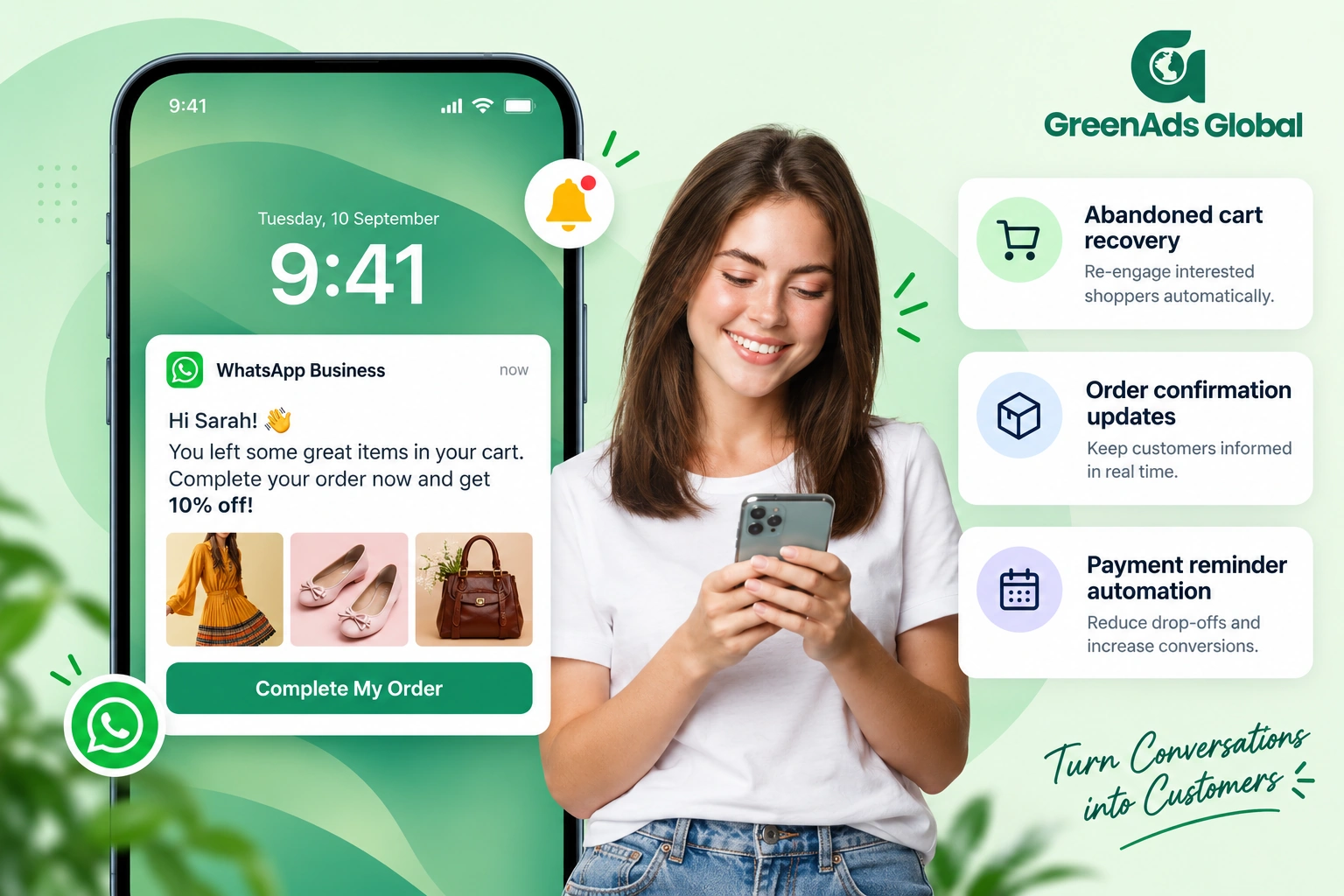
- abandoned cart reminders with a direct link back to checkout
- cash on delivery confirmation messages with one-tap reply options
- post-purchase messages that say thank you and ask for feedback
Start with one or two flows, test them, and then add more. Over time, your WhatsApp message marketing becomes a steady engine that supports sales and support even when your team is busy.
Send the right messages at the right time
Timing is a big part of effective WhatsApp Marketing. The same message can feel helpful or annoying depending on when it arrives. Think about your customer’s day and when they are most free to check their phone.
A few simple rules can help:
- Do not send non-urgent campaigns very early in the morning or very late at night
- Send cart recovery messages within a short window after the customer leaves the page, while the product is still on their mind
- Send reminders for appointments or events a few hours before the time, not the day after
- Avoid sending too many marketing messages in a short period
Watch your reply and click rates in your WhatsApp marketing tool. If a certain time works better, lean into it.
Use Rich Media for Engagement
Plain text works, but rich content often works better. WhatsApp lets you send images, videos, catalogues and buttons. Good WhatsApp Marketing uses these tools in a simple and clear way.
You might:
- Show product photos in your reminder message so the customer instantly remembers what they liked
- Add quick reply buttons such as Yes, No, View offer, Track order, so people do not need to type
- Send a short video demo for a complex product
- Share a catalogue when someone asks about your range
The goal is not to make the message look fancy for no reason. The goal is to make it very easy for the customer to understand and take the next step.
Integrate WhatsApp With Your CRM or Store
The real power of WhatsApp comes when it is connected to the rest of your systems. When your WhatsApp marketing software talks to your e-commerce platform or CRM, your messages can respond to real customer behaviour instead of random timing.
With a proper integration, you can:
- sync customer data such as name, past orders and interests
- trigger WhatsApp message marketing flows when a form is submitted or an order is placed
- segment your audience based on location, spend level or product category
- See the full history of chats and actions in one place
This makes your communication feel much more personal. Instead of sending the same broadcast to everyone, you send the right message to the right person at the right time. That is what separates basic WhatsApp Marketing from a smart, scalable system.
Plan Your Next WhatsApp Campaign
Download our WhatsApp Marketing Guide and keep it handy as you plan your next campaign.
How to write a WhatsApp promotion message
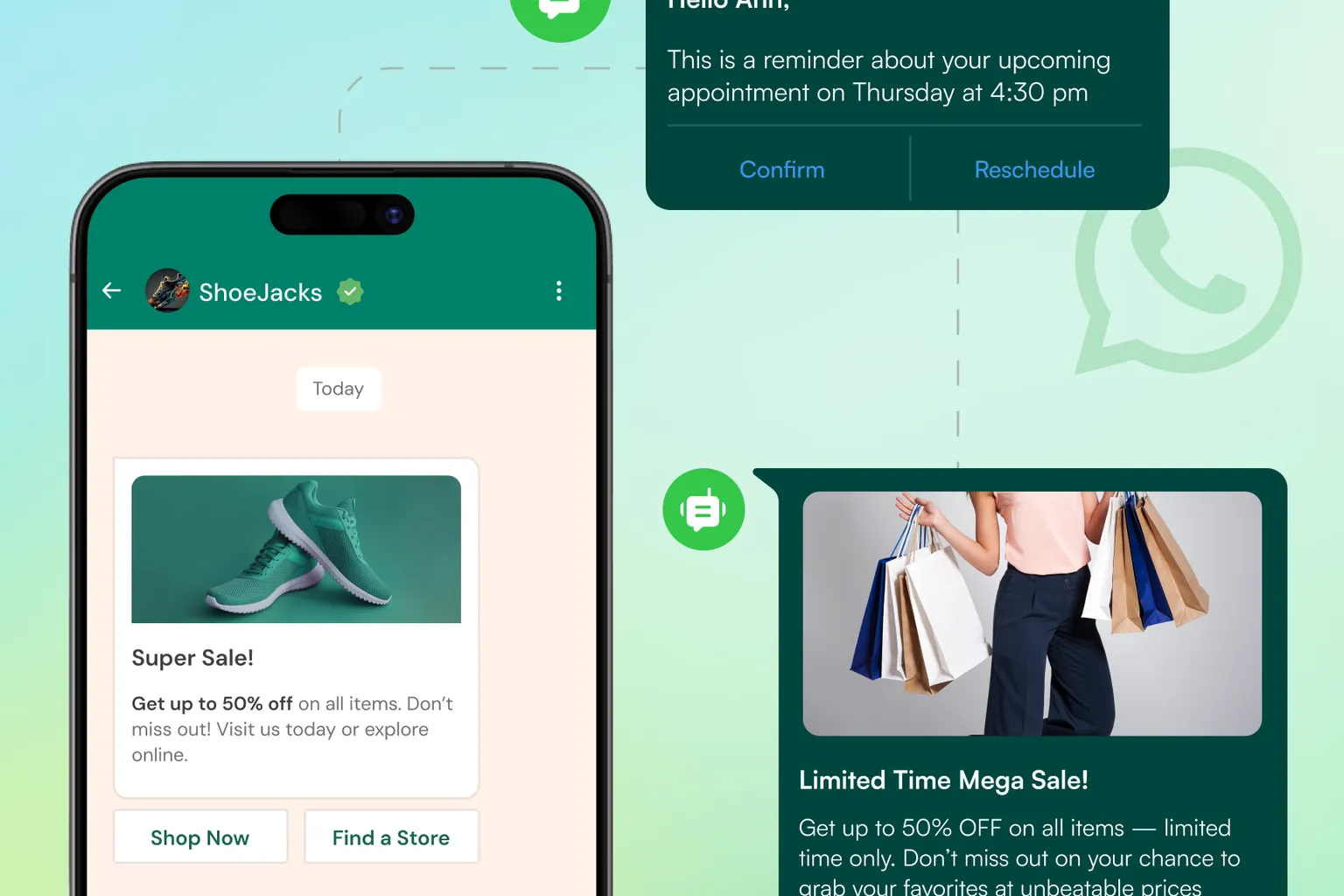
For a business WhatsApp promotion message, use a simple structure:
Identify the business → explain the benefit → state important terms → give one next step → provide an opt-out.
Avoid vague promises, artificial urgency and several competing links. Make the message understandable without requiring the customer to open an attachment first.
The examples below are suggested copy, not pre-approved API templates. Replace the placeholders with accurate details before use.
Example 1: Seasonal promotion
Hi [First name], [Brand]’s [sale name] is now live. Get [offer] on [product category] until [date].
Explore the offer: [link]
Have a question? Reply here.
Reply STOP to stop promotional messages.
Example 2: New-product announcement
Hi [First name], meet the new [product name] from [Brand].
Designed for [specific need], it offers [main benefit].
See the details: [link]
Reply STOP to opt out of promotional updates.
Example 3: Cart-recovery message
Hi [First name], this is [Brand]. Still interested in [product name]?
Continue shopping here: [cart link]
Need help choosing a size or understanding delivery? Reply and we’ll help.
Reply STOP to stop promotional messages.
Example 4: Business-service promotion
Hi [First name], [Brand] is offering [service or package] for businesses looking to [specific goal].
The package includes [key benefit]. View the details: [link]
Reply here with any questions.
Reply STOP to stop promotional messages.
Make sure your team or software actually processes opt-out requests. Adding “Reply STOP” to the copy is not enough unless it changes who receives future campaigns.
Why WhatsApp marketing works in real numbers
Sometimes it is easier to trust a channel when you see real numbers, not just theory. WhatsApp Marketing has grown so fast because it delivers better attention and faster action than many other channels.
Across many industries, businesses see that:
- WhatsApp messages are opened much more often than a marketing email
- Customers reply to a WhatsApp chat faster than to a phone call or a contact form
- A simple reminder on WhatsApp can bring people back to finish what they started
This is why more brands are shifting key customer conversations into WhatsApp instead of relying only on email or adverts.
Mini case studies from real business scenarios
To make this more real, let us look at a few simple stories. These are typical results from WhatsApp Marketing projects for growing brands.
Example 1: An online store reducing lost orders
An e-commerce brand was getting many cash on delivery orders and also many returns because customers were not available or had changed their mind. They added a WhatsApp cash-on-delivery confirmation flow before shipping. Within a few weeks, they saw fewer fake or unconfirmed orders and a clear drop in cancelled deliveries. The team also felt more relaxed because they were not wasting time and money sending parcels that would never be received.
Example 2: A real estate team responding faster to leads
A real estate company was collecting leads from its website and adverts, but response time was slow because agents had to call each person. They connected their forms to WhatsApp Marketing so every new lead received an instant WhatsApp message with the project details and a simple reply option to schedule a visit. Leads started replying inside WhatsApp and agents joined the same chat. The team noticed that more people showed up for site visits and the sales cycle felt smoother.
Example 3: An education business improving follow-up
An educational institute was struggling to keep track of all the students who enquired about courses. Many students would ask one question, then disappear. With a WhatsApp marketing tool in place, every new enquiry automatically received a friendly welcome message, a simple course summary and a follow up reminder before the admission deadline. More students came back with questions, and the institute saw a clear increase in completed applications compared to the previous term.
Example 4: A local service brand building repeat customers
A local salon used to rely on walk-in customers and occasional phone calls. They started using WhatsApp Marketing to send booking confirmations and gentle reminders a day before the appointment. After each visit, they also sent a short thank-you message and a small offer for the next booking. Over time, more customers returned regularly and the salon owner could see that WhatsApp had become the main way people stayed connected to the brand.
What Is WhatsApp Marketing Software?
WhatsApp marketing software is a specialised platform that connects to the WhatsApp Business API. It helps you manage large-scale conversations without manual effort. It also allows automation, workflows, team collaboration, template approvals, analytics, custom journeys and multi-channel communication.
A good WhatsApp marketing software gives you a clear dashboard for campaigns, customer segmentation, automation triggers and customer history. Instead of manually sending messages, the system sends them based on conditions such as behaviour, time, triggers or events from your website or app.
WhatsApp software is now essential for businesses that want to scale. It replaces manual work with structured, intelligent communication.
Understanding WhatsApp Marketing Tools
A WhatsApp marketing tool is the application/platform that helps you send marketing messages or manage customer communication through WhatsApp. In the past, many unofficial bulk sending tools were available, but in 2026, the focus has shifted entirely toward official API based tools.
The best WhatsApp marketing tools support automation, team inbox, templates, segmentation and integration with platforms like Shopify, WooCommerce and CRM systems. Businesses should avoid tools that rely on browser automation or number-based bulk sending because they are not approved by Meta and can lead to account bans.

WhatsApp Message Marketing: How It Works
WhatsApp message marketing focuses on sending targeted, personalised and timely messages that drive actions such as buying, replying, visiting your website or completing an order.
Examples of high-converting WhatsApp messages:
- Flash sale reminders
- Abandoned cart recovery
- COD order confirmation
- Payment reminders
- Reorder nudges
- New arrival alerts
- Loyalty rewards
- Webinar or event reminders
When automated, these messages work like mini-salespeople running in the background.
Essential WhatsApp Marketing Tools and Software
If you want to run serious WhatsApp Marketing in 2026, the WhatsApp Business App alone will not be enough. It is fine for very small teams, but it cannot handle automation, reports or many agents. For real growth, you need proper WhatsApp software that connects to the official WhatsApp Business API and gives your team one simple place to work. Think of it as your WhatsApp control centre where you can see every chat, send campaigns, build flows and watch the results.
A good WhatsApp marketing tool gives you a shared inbox, so your team is not jumping between multiple phones and numbers. You can save approved message templates, set up simple chatbots for common questions and create automated journeys like welcome messages, cart recovery or follow-up sequences. Once these flows are live, you do not have to remember every small action. The system quietly sends the right WhatsApp message at the right time while your team focuses on real conversations.
Integration is another key feature. Good WhatsApp marketing software can connect with your website, e-commerce platform or CRM. This means you can trigger WhatsApp messages when someone fills a form, places an order, abandons a cart or reaches a certain stage in your pipeline. It also lets you see useful context inside each chat, such as order history or last interaction, so replies feel more personal.
If you do not want to handle all of this alone, you can also use services from an official API provider. They help you select the right tools, connect the API, design automation journeys and tune your campaigns for better performance. In many cases, a mix of strong software and expert service gives the fastest and most reliable results for your Marketing strategy.
Best Use Cases of WhatsApp Marketing in 2026
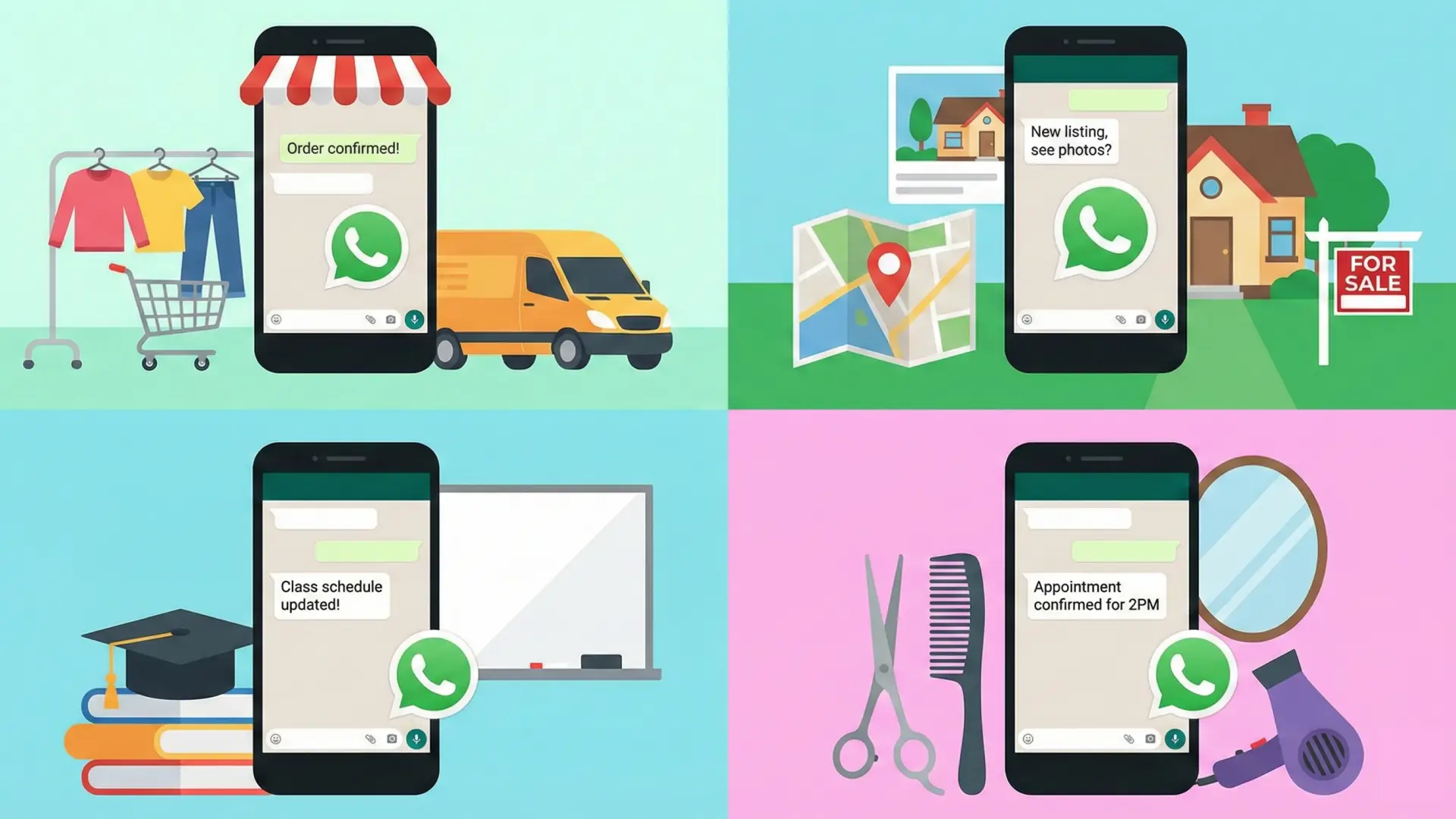
E-commerce
- Cart recovery
- Product recommendations
- COD confirmation
- Order tracking
Real Estate
- Lead capture
- Project brochures
- Site visit scheduling
- Follow-up automation
Education
- Enquiry handling
- Admission reminders
- Fee notifications
- Student support
Healthcare
- Appointment reminders
- Test results
- Doctor availability updates
Local Businesses
- Promotions
- Delivery updates
- Customer loyalty programmes
How to Get Started With WhatsApp Marketing (In 5 Steps)
Step 1: Choose a WhatsApp software
Prefer API-based, official and automation-ready tools.
Step 2: Verify your business on Meta
Necessary to access the WhatsApp API.
Step 3: Set up automation workflows
Start with simple ones like welcome flows or cart recovery.
Step 4: Create a clear opt-in system
Collect consent through forms, links, buttons or QR codes.
Step 5: Launch your campaigns
Promotions, reminders, product launches; test and optimise.
Measuring WhatsApp Marketing Performance
Once your WhatsApp campaign is live, you should look at the numbers regularly. Data helps you understand what is working and what needs adjustment.
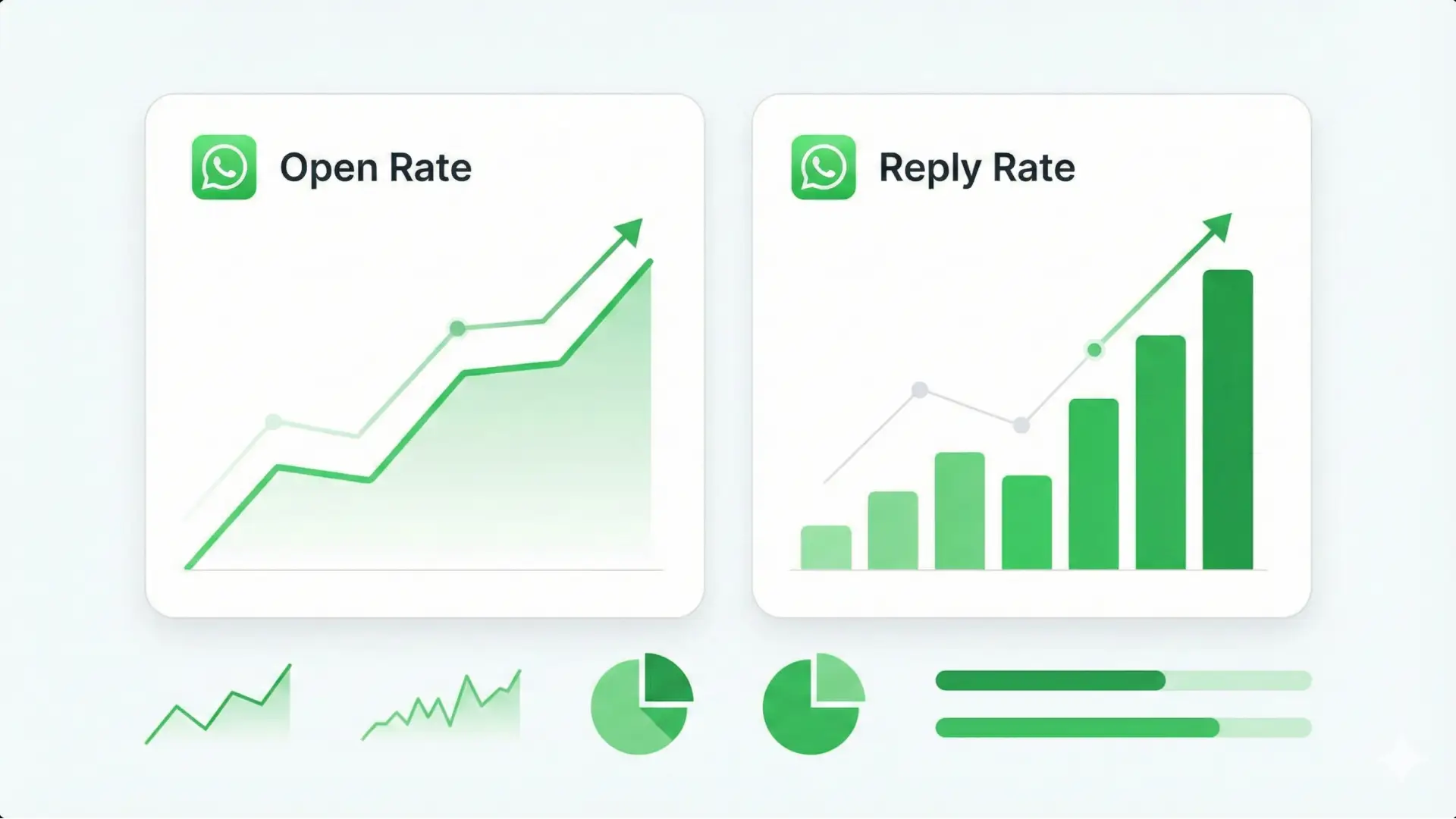
Useful metrics include delivery rate, read rate, reply rate and clicks on links or buttons. If a campaign is delivered and read but people do not reply or click, the message may not be clear enough or the offer may not be attractive.
You should also track how many sales, bookings or leads are coming from WhatsApp conversations. This shows the real value of your WhatsApp marketing tool and gives you confidence to invest more.
Over time, you can run simple tests. You can try two different message styles, two different timings or two different audiences and compare the results. Even small improvements in your WhatsApp message marketing can create a big impact on overall revenue.
Common WhatsApp Marketing Mistakes
A few common mistakes can reduce the power of your WhatsApp message marketing. If you know them early, you can easily avoid them.
One big mistake is messaging people who never gave consent. This quickly creates frustration and can cause people to block your number. Always build your list with clear opt-ins.
Another mistake is treating WhatsApp like a one-way broadcast channel. If you just push offers and ignore replies, customers will quickly lose interest. WhatsApp is strongest when you treat it as a conversation.
Some businesses also forget to measure results. They keep sending the same type of message for months without checking if it is working. Your WhatsApp software gives you data. Use it to refine your copy, your timing and your audience.
How much does WhatsApp marketing cost?
Separate your budget into the messaging product, any software or implementation costs, and the work required to run the campaign.
The Business App is free to download. Check any additional features or advertising separately rather than assuming every marketing activity is free.
For API marketing, Meta charges for delivered marketing messages according to the applicable destination pricing. Your provider may charge separately for the software and services around the API.
Before setting your campaign budget, review our WhatsApp marketing message pricing to understand message charges and platform fees.
Future of WhatsApp Marketing
Looking ahead, the role of WhatsApp in business communication will only grow. People are moving more of their real conversations into private messaging apps and less into public feeds.
This means channels like WhatsApp will become the centre of customer experience. Chatbots will become smarter. Human teams will work more closely with automation. Multi-channel platforms will connect WhatsApp with SMS, RCS and email, so everything feels smooth.
If you build good WhatsApp foundations now, you will be ready for that future. With the right WhatsApp software, a reliable marketing tool stack and the support of expert WhatsApp API services, every conversation becomes a chance to help your customer and grow your business.
WhatsApp Marketing Cost in 2026
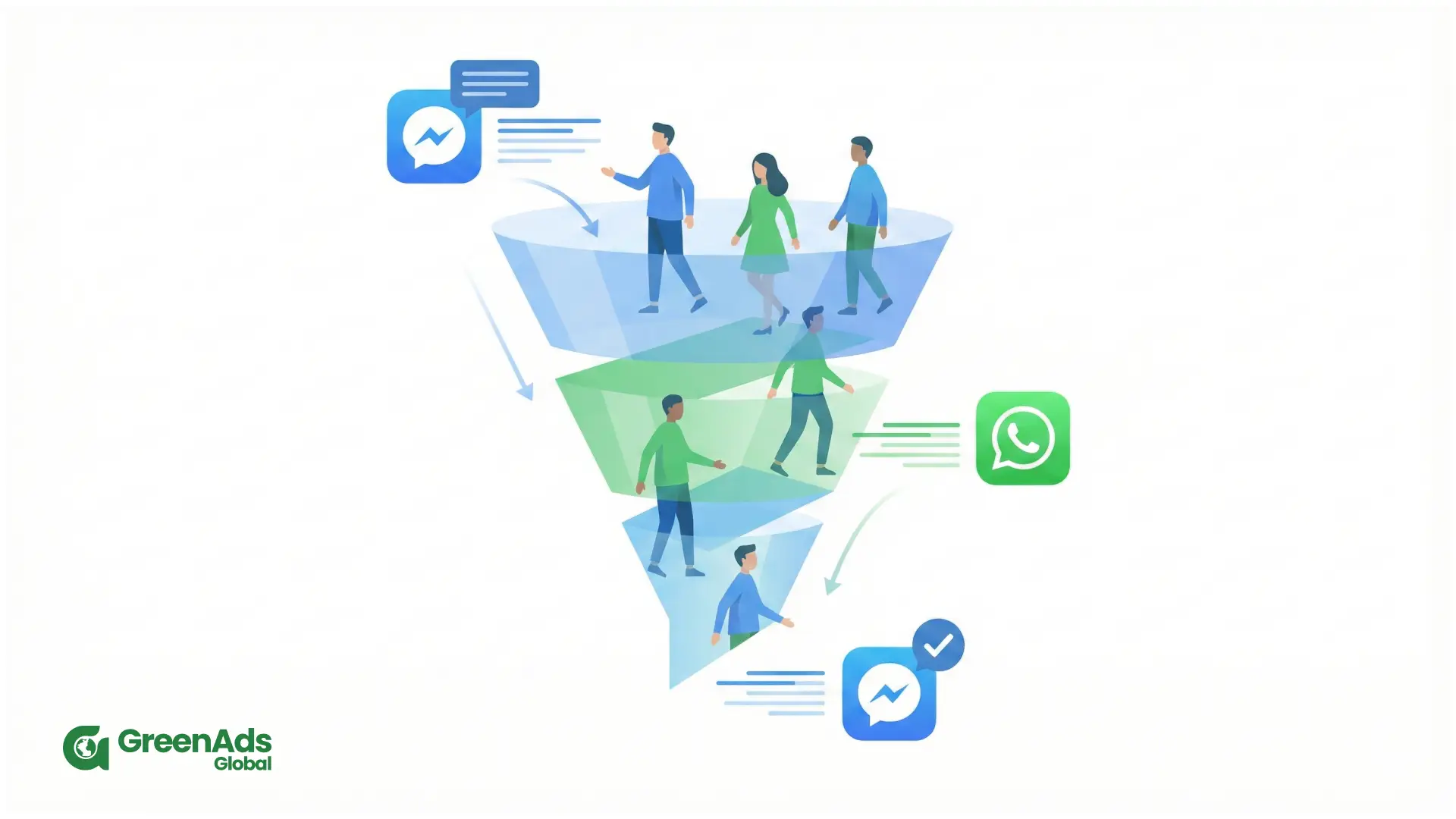
The cost of WhatsApp Marketing comes from two main areas.
One is your WhatsApp API pricing. This is usually a monthly subscription based on features and usage.
The other is Meta conversation charges for WhatsApp messages. Costs depend on the type of conversation, such as marketing or utility, and the country of the user.
Even with these costs, most businesses find that WhatsApp brings strong ROI, because the engagement and conversion rates are much higher than many other channels.
Conclusion
WhatsApp Marketing is one of the most effective communication channels available in 2026. It brings your business directly into your customer’s daily conversations and helps you connect in a personal and meaningful way. Whether you are a startup, a fast-growing e-commerce business or an established enterprise, WhatsApp can transform how you engage, support and convert customers.
With the right tool or software, you can automate your entire communication flow and create a seamless customer experience. When combined with smart strategies and professional WhatsApp marketing services, it becomes a complete growth system.
Choose GreenAds Global as your WhatsApp API provider.
See how CRM events become customer communication
Open each workflow to see the trigger, live-data check, communication action and stopping condition.
New lead qualification
Abandoned cart follow-up
Appointment communication
Payment or renewal reminder
Should the next message still be sent?
Open a customer state to see how current CRM or commerce data should change the workflow.
Lead is already qualified
Customer completed the purchase
Appointment was cancelled
Payment is complete
₹ 899
₹ 2,249
₹ 3,149
$30
$50
Frequently Asked Questions
Can I start WhatsApp marketing without the API ?
Yes. The Business App offers tools for customer conversations, product presentation and promotions. Review the broadcast and other capabilities available to your account before planning a campaign.
When should I consider the WhatsApp Business API ?
Consider it when your requirements include CRM-connected messaging, workflows triggered by customer actions or more structured handling of conversations. These are supported Business Platform use cases, although the exact functionality depends on the implementation.
What makes a good WhatsApp marketing message ?
Use a clear business identity, a relevant benefit, accurate offer terms and one main call to action. Write it so the recipient can quickly understand why they received it and what to do next.
How often should I send promotional messages ?
Set a frequency that matches what customers agreed to receive, your available offers and your ability to manage replies. Begin conservatively and review response quality and opt-outs before increasing the volume.
What determines WhatsApp marketing message pricing ?
WhatsApp marketing message pricing can vary based on the recipient’s country, the type of message being sent and the WhatsApp Business API platform or provider you use. Businesses should consider both Meta’s messaging charges and any software or subscription fees when estimating campaign costs. For a detailed breakdown of rates and pricing examples, see our WhatsApp marketing message pricing guide.
How does WhatsApp marketing work for businesses ?
In WhatsApp marketing, people first opt in to receive messages from your business. You then use approved templates, broadcasts and automated flows to send the right message at the right time, for example order updates, reminders or personalised offers.
What is the difference between WhatsApp message marketing and WhatsApp Ads ?
WhatsApp message marketing focuses on ongoing conversations and campaigns with people who have already opted in to chat with you. WhatsApp ads are paid placements on Meta platforms that invite new people to start a WhatsApp conversation, which you then nurture through message marketing.
Are WhatsApp marketing messages charged differently from regular customer replies ?
Yes. The cost can differ depending on the type of message and how the conversation is initiated. Promotional campaigns sent through the WhatsApp Business API may attract Meta messaging charges, while other customer interactions can follow different pricing rules. Businesses should therefore check the latest WhatsApp marketing message pricing before planning campaign budgets.
How do I start WhatsApp marketing for my business ?
Start by defining your key use cases such as order updates, cart recovery or lead follow up, then set up a verified WhatsApp Business account. Next, choose a WhatsApp message marketing tool, connect it to the WhatsApp Business API, and create a simple opt in flow and welcome journey before launching campaigns.
How much does WhatsApp marketing cost ?
Costs depend on your provider, country and message volume. Usually you pay a platform or subscription fee for WhatsApp marketing software plus per conversation or per template charges defined by WhatsApp, which are still low compared with many ad channels. You can refer our WhatsApp marketing message pricing complete guide to get a comprehensive understanding.
You may Also like
Book a One-to-One Meeting With Our Product Expert
Have questions? We have got answers! Connect with our product expert for a personalized demo session and discover the best messaging solutions for your business.
.svg)
