Unlock Your 14-Day Free Trial with Free Credits!
Get Started for Free



How AI Can Now Send WhatsApp & SMS Messages on Your Behalf
July 10, 2026
.
5 min

Table of contents
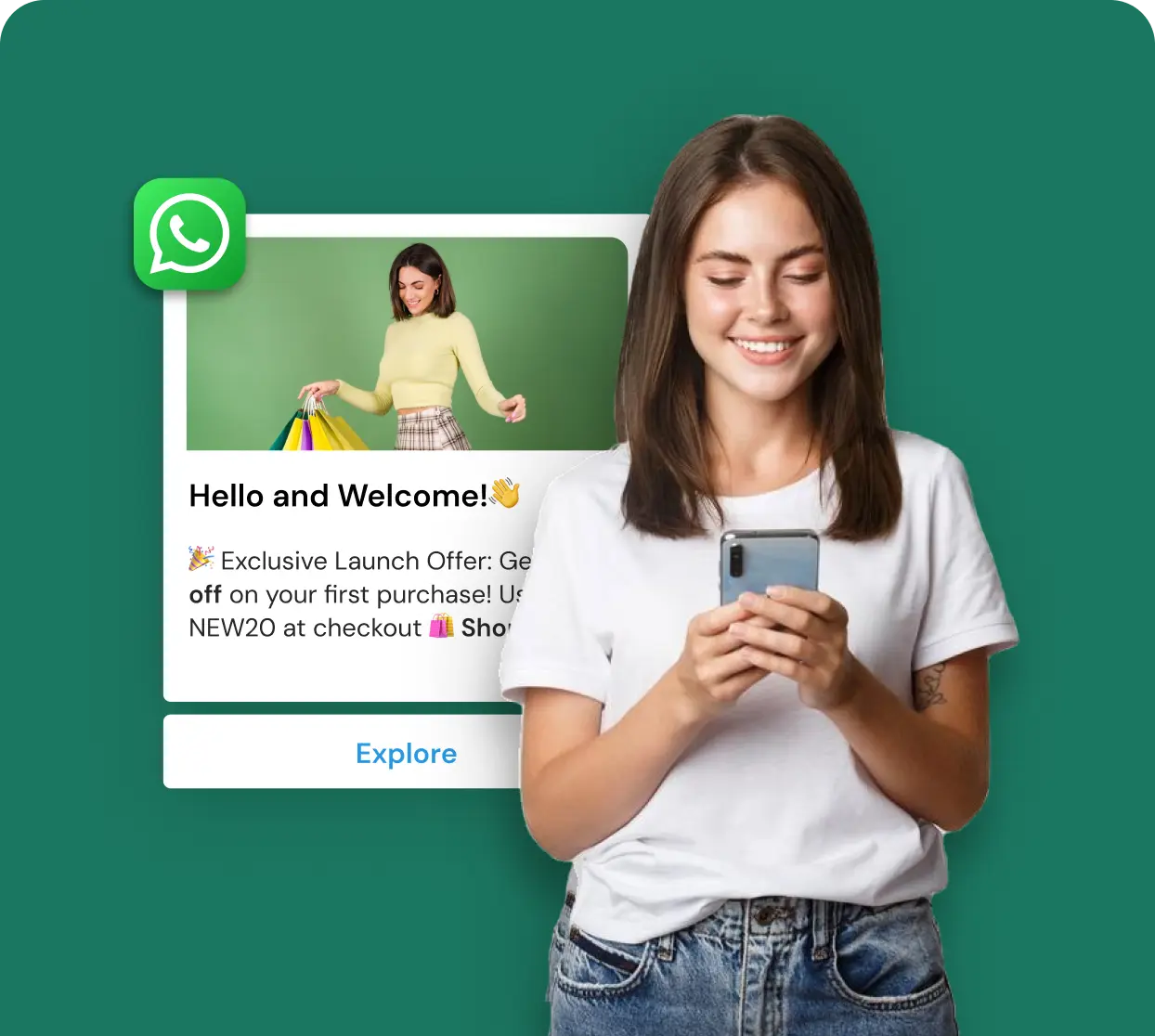

Introducing Telinfy MCP: The Smart Bridge Between AI and Business Messaging
Imagine this: You tell your AI assistant, “Send a WhatsApp message to all my VIP customers about today’s offer.” And it just does it. No switching tabs. No copying phone numbers. No manual campaign setup.
That’s not a dream anymore. That’s exactly what Telinfy MCP makes possible today.
Whether you run a retail store, a healthcare clinic, a logistics company, or a digital agency, if you’re still manually sending marketing messages or relying entirely on your dev team to run campaigns, this is going to change the way you work.
Let’s break it all down.
What Is Telinfy MCP?
Telinfy is a business communication platform that lets companies send SMS, WhatsApp, and RCS messages at scale. It’s used by thousands of businesses across India and beyond to run campaigns, send OTPs, and stay connected with customers.
Now, Telinfy has introduced something new: an MCP server.
MCP stands for Model Context Protocol. Think of it like a USB-C port, but for AI. Just like USB-C lets you connect your phone to any device — a laptop, a charger, a display- MCP lets an AI assistant connect to any compatible tool or service.
In simple terms: Telinfy MCP is a bridge that lets AI assistants like Claude talk directly to the Telinfy platform and take action on your behalf.
No manual API process. No unnecessary back-end work. Just plain prompts to your AI.
What Can Telinfy MCP Actually Do?
The Telinfy MCP server isn’t just a novelty. It’s a full-featured messaging toolkit that your AI can use. Here’s everything it can do:
1. Send SMS Messages
Your AI can send individual or bulk SMS messages with full DLT compliance built in. DLT (Distributed Ledger Technology) is mandatory for business messaging in India, and Telinfy handles all of that for you.
• Send transactional SMS(OTPs, alerts, confirmations)
• Send promotional SMS(offers, announcements, campaigns)
• Schedule SMS campaigns for a specific date and time
• Run dynamic campaigns using Excel files with personalised variables
2. Send WhatsApp Messages
WhatsApp is where your customers actually spend time. With Telinfy MCP, your AI can:
• Send WhatsApp campaigns using pre-approved business templates
• Personalise messages with customer names, order details, and more
• Pull campaign reports to see who received and engaged with your messages
3. Manage Contacts Like a Pro
Your AI can build and maintain your contact database without you touching a spreadsheet:
• Create new phone book groups
• Add, edit, or delete contacts
• Enable or disable specific contacts in a group
• View all your existing contact groups in one place
4. Get Detailed Reports
No more logging into dashboards just to check if your messages went through:
• Fetch SMS campaign reports with delivery status
• Get WhatsApp campaign performance data
• Check RCS message reports with date filtering
• Track individual message delivery in real time
How Does It Work? A Simple Walkthrough
Here’s how easy it is to get started with Telinfy MCP on Claude:
1. Connect the MCP server in your Claude settings using the Telinfy server URL: https://mcp.telinfy.com/sse
2. Log in to your Telinfy account through Claude using your username and password.
3. Start giving instructions in plain language.
Here’s what that actually looks like in practice:
You: “Send an SMS to +91987654xxxx with the message ‘Your OTP is 456789’ using sender name NOTIFY and template ID 1234567890.” Claude: Done. Message sent.
Or, for a full campaign:
You: “Create a phone book group called Festive Sale Customers and schedule an SMS campaign tomorrow at 10 AM with the message ‘Big Diwali Sale! 40% off everything. Shop now.’”
The AI handles the contact group creation, the campaign scheduling, and the delivery — all from one instruction.
Real Business Use Cases (That Actually Matter)
Let’s get practical. Here are five ways Indian businesses can use Telinfy MCP right now:
E-Commerce: Order Updates on Autopilot
Tell your AI: “Send WhatsApp order confirmation messages to all customers who placed orders today.” The AI pulls the list, uses your approved template, and sends every message — personalised with each customer’s name and order number.
Healthcare: Appointment Reminders Without a Team
Clinics and hospitals can automate appointment reminders completely. Just instruct your AI to send SMS reminders to tomorrow’s patient list every evening at 6 PM. No staff involvement needed.
Finance & Banking: Instant OTP and Transaction Alerts
Banks and fintech companies can use Telinfy MCP to send transactional SMS in real time — OTPs, balance alerts, EMI reminders — all routed through the right DLT-approved templates automatically.
Retail: Festive Campaign Management
Instead of spending hours setting up campaigns on a dashboard, you simply describe what you want. The AI creates the contact group, writes the schedule, and launches the campaign.
Agencies: Managing Multiple Clients at Once
Marketing agencies managing multiple clients can use AI to run simultaneous campaigns across different accounts — each with its own contacts, templates, and schedules.
DLT Compliance: The Part Most Businesses Worry About
If you’re sending SMS messages to Indian phone numbers, DLT compliance isn’t optional. TRAI mandates that all business SMS must be registered with a Distributed Ledger Technology platform, complete with approved sender IDs and message templates.
Here’s the good news: Telinfy handles DLT compliance natively. When your AI sends an SMS through Telinfy MCP, it automatically uses your registered sender names and template IDs — so every message is compliant, every time.
You don’t need to remember template IDs or sender names. Just make sure they’re set up in your Telinfy account, and your AI will use them correctly.
Is Telinfy MCP Secure?
A completely fair question. You’re letting AI access your messaging account — so security matters a lot.
Here’s how Telinfy MCP handles it:
• Token-based authentication: After you log in once per session, Telinfy issues a secure token. Your actual password is never stored by the AI.
• Session-limited access: Access only lasts for the duration of your conversation. Once you close the session, the connection ends.
• No credential storage: Claude (or any AI assistant) does not retain your username or password between sessions.
• Authenticated API calls: Every action taken through the MCP server is verified through your Telinfy credentials.
So while your AI can act on your behalf, it does so within strict boundaries — just like an employee who has been given access to specific tools.
Personalised Messaging at Scale: The Dynamic Campaign Feature
One of the most powerful features of Telinfy MCP is dynamic campaign support. Here’s what that means in practice:
Instead of sending the same generic message to 10,000 customers, you can send personalised messages, each with the customer’s name, order ID, amount, or any other variable — all from a single Excel file.
Your template might look like:
Hi{{1}}, your order {{2}} worth Rs.{{3}} has been confirmed. Track it here:example.com/track
Upload the Excel file with columns for mobile number, name, order ID, and amount — and Telinfy MCP does the rest. Every single customer gets a message that feels personal.
That’s the kind of personalisation that used to require a developer. Now your AI handles it.
Regional Languages Support
India is diverse. Your customers speak Hindi, Tamil, Kannada, Malayalam, Telugu, and dozens of other languages. Telinfy MCP supports Unicode messaging, which means your AI can send messages in any Indian language script.
Just tell your AI: “Send this message in Hindi to my customers in Uttar Pradesh.” And it will.
This matters more than most businesses realise. Messages in a customer’s native language get significantly higher open rates and response rates than English messages.
How to Connect Telinfy MCP — Step by Step
Setting up Telinfy MCP is straightforward. Here’s how to do it:
On Claude Web or Desktop:
1. Open Claude settings
2. Go to Integrations or Connections
3. Add a new MCP server
4. Set the name as Telinfy and the URL as https://mcp.telinfy.com/sse
5. Save and start chatting
On Claude Code (command line):
claude mcp add -s user -t http telinfy
https://mcp.telinfy.com/sse
On Cursor, Windsurf, or other MCP-compatible tools:
Add this to your MCP settings file:
{"mcpServers": { "telinfy": { "serverUrl":"https://mcp.telinfy.com/sse" } } }
Quick Checklist: Before You Start
Before you send your first AI-powered message, make sure you have:
- A Telinfy account with active credits.
- Approved DLT sender names in your account.
- Registered DLT message templates.
- Claude or another compatible MCP client set up.
- Phone numbers in correct format (10-digit Indian or international with country code).
Once these are in place, you’re ready to go.
Why This Is a Big Deal for Indian Businesses
India has over 600 million WhatsApp users. SMS open rates in India average 95%. Business messaging is one of the most effective marketing channels in the country.
But here’s the problem: most small and mid-sized businesses don’t have the technical team to build API integrations. And manually running campaigns through dashboards is time-consuming.
Telinfy MCP changes this equation completely.
Now, a business owner can manage their entire customer communication strategy by simply talking to an AI. Nodevelopers. No dashboards. No wasted hours.
It’s the kind of automation that was previously only available to enterprise companies with big tech budgets. Now it’s available to everyone with a Telinfy account and access to Claude.
Final Thoughts
The way businesses communicate with customers is changing fast. AI is no longer just a tool for writing emails or answering questions. It’s now an active participant in your operations and can take real action on your behalf.
Telinfy MCP is a perfect example of this shift. It gives your AI the ability to reach out to customers across SMS, WhatsApp, and RCS at scale, in real time, with full compliance — using nothing more than a simple Prompt from you.
If you’re looking to save time, improve customer engagement, and stay ahead of the curve, this is worth exploring today.
Want to see it in action? Connect Telinfy MCP to your AI assistant and send your first campaign in under five minutes. Visit greenadsglobal.com to learn more about how we help businesses grow through smarter communication.
₹ 899
₹ 2,249
₹ 3,149
$30
$50
Book a One-to-One Meeting With Our Product Expert
Have questions? We have got answers! Connect with our product expert for a personalized demo session and discover the best messaging solutions for your business.
.svg)
