Unlock Your 7-Day Free Trial with Free Credits!
Get Started for Free


CRM-Connected Communication Workflows: Practical Automation for Leads & Customers
October 16, 2026
.
11 min read
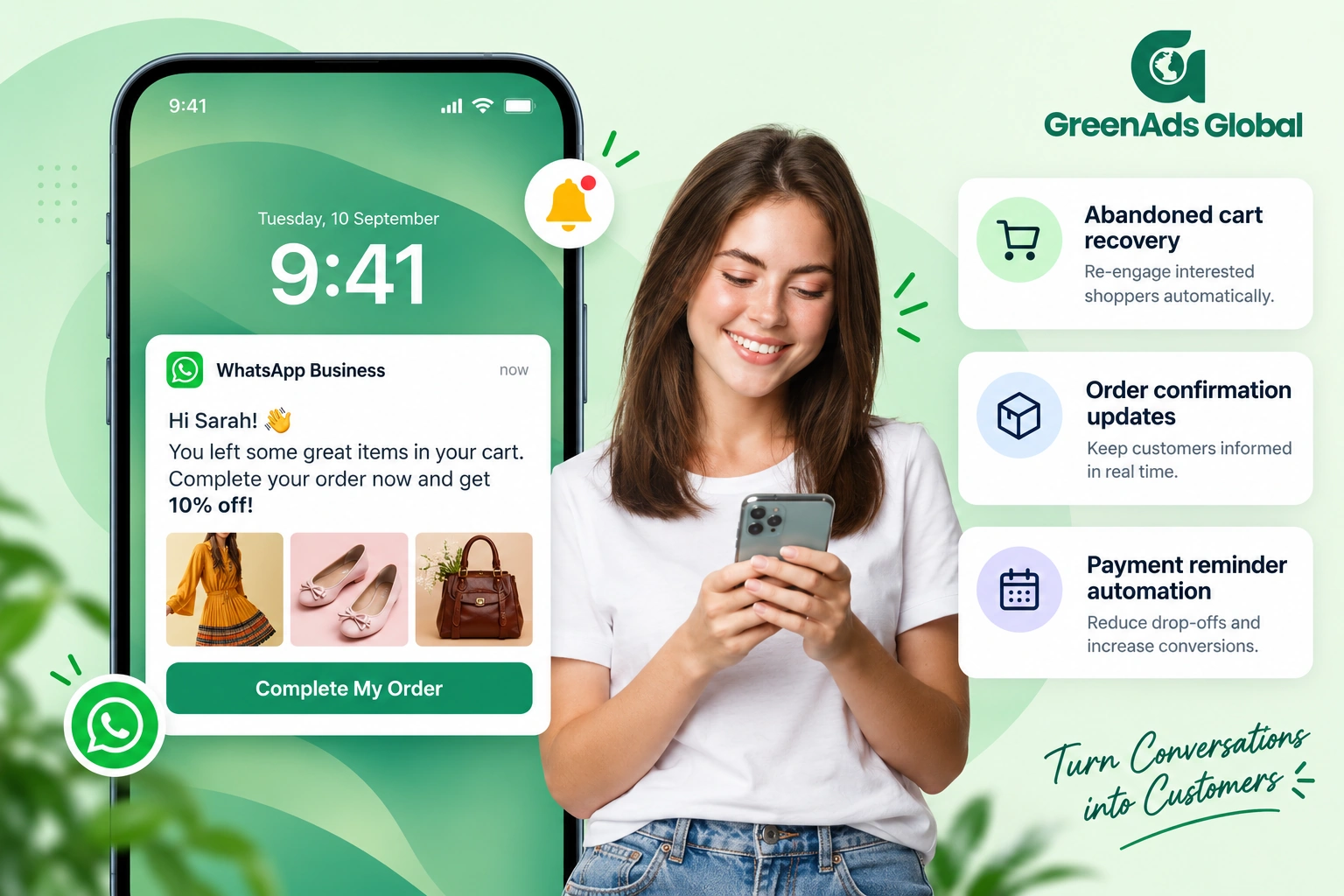

CRM-connected communication works best when a real customer event triggers a verified next action. Define the trigger, source of truth, customer eligibility, message or task, and the event that stops the workflow.

CRM integration becomes valuable when it changes what happens next. A customer fills a form, a lead status changes, a payment becomes overdue, an appointment is booked, or an order is completed—and the communication workflow reacts to that current business state.
This guide explains CRM-connected customer communication workflows in simple terms: how to use CRM events, customer data and messaging channels to automate relevant follow-up without turning every contact into a generic sequence.
1. What Does CRM-Connected Customer Communication Mean?
The CRM remains the source of customer and sales context. The messaging platform becomes the communication layer. The connection lets a customer event or record change influence which message is sent, who owns the next action, and when the workflow should stop.
Useful workflow model: business event → CRM/customer check → channel decision → message or team action → record update → exit condition.
For a WhatsApp-specific starting point, see how to integrate CRM with WhatsApp.
2. Which CRM Events Make Good Communication Triggers?
Good triggers represent a real customer or business event, not simply the passage of time.
- New lead created.
- Lead status changed to qualified.
- Quote or proposal sent.
- Meeting booked, rescheduled or cancelled.
- Order placed, shipped or delayed.
- Payment marked due or completed.
- Support case escalated or resolved.
- Renewal date approaching.
Official CRM documentation follows the same trigger-and-condition model. Zoho CRM workflow rules can run when records are created or edited and can execute instant or scheduled actions, while Microsoft Dynamics 365 supports trigger-based journeys that react to customer actions.
References: Zoho CRM workflow rules and Microsoft trigger-based journeys.
3. What Makes a CRM Messaging Workflow Reliable?
Before sending anything, define five things.
- Trigger: the event that starts the workflow.
- Source of truth: the system and field used to confirm the customer’s current state.
- Eligibility: whether the customer can receive the message on the selected channel.
- Action: message, assignment, task, CRM update or another approved step.
- Exit: the event that stops future messages.
The exit is especially important. Without it, reminders can continue after a purchase, payment, cancellation or manual resolution.
4. Workflow Example: New Lead Qualification and Fast Follow-Up
Trigger: a new lead enters the CRM from a website form, ad or inbound enquiry.
Check: verify contact details, consent, lead source and whether the person is already an existing customer or opportunity.
Action: send an appropriate welcome or qualification message through the selected channel, then route the response to the correct sales owner.
Exit: lead qualifies, opts out, is disqualified or is manually taken over.
For teams handling replies across multiple conversations, a unified messaging inbox for sales and support can provide the human workspace around the automated trigger.
5. Workflow Example: Abandoned Cart Follow-Up Without Messaging Buyers Again
Trigger: the commerce platform records an abandoned cart.
Check: before each reminder, re-check whether the order has already been completed.
Action: send a permitted reminder using a channel appropriate to the customer and campaign objective.
Exit: purchase completed, cart expired, customer opted out or the maximum reminder rule was reached.
Microsoft’s official journey example uses this same principle: an abandoned-cart event starts the journey and a purchase-completed event can be used as an exit so customers do not keep receiving irrelevant reminders.
For Shopify-specific messaging, see Shopify and WhatsApp integration.
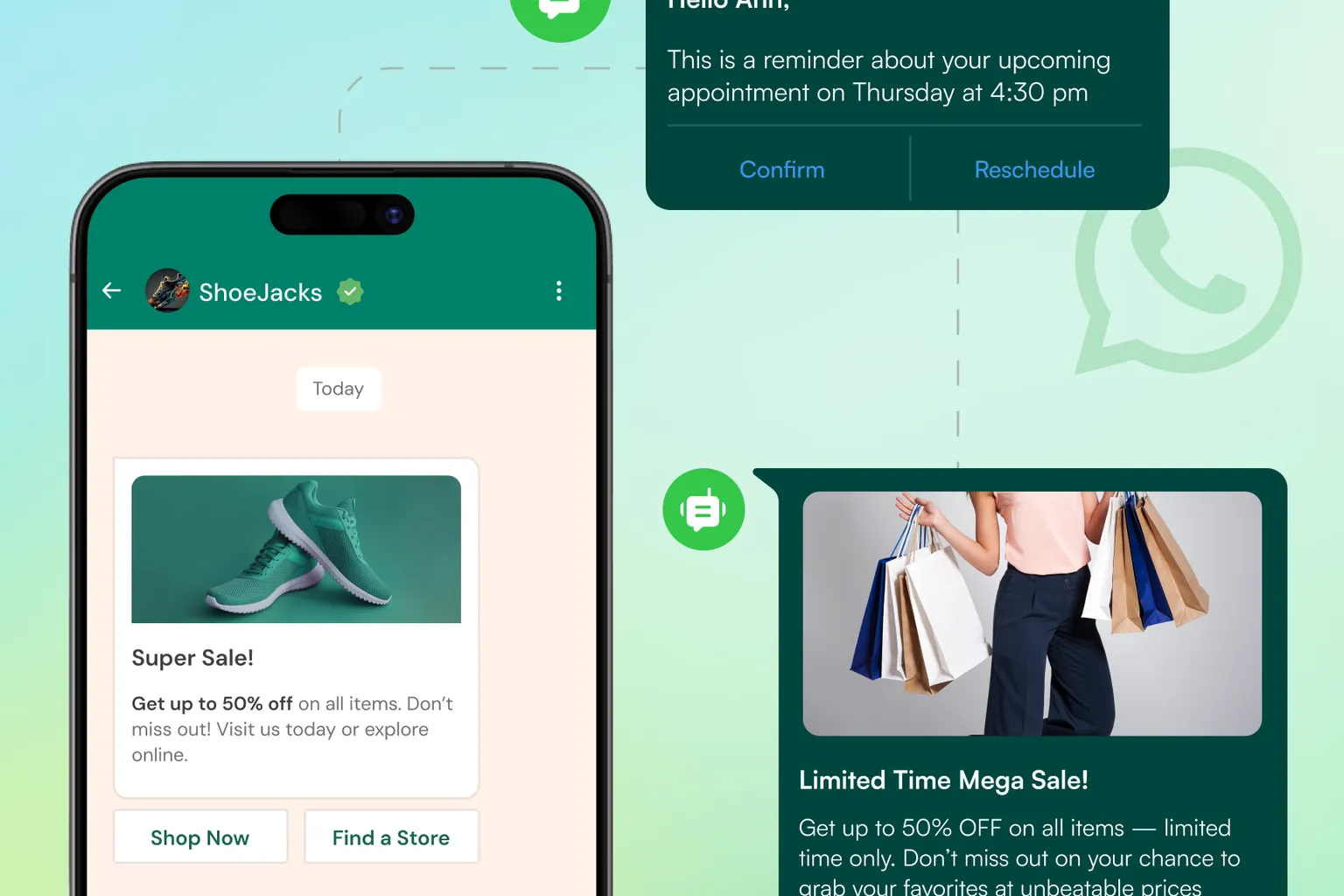
6. Workflow Example: Appointment Confirmation, Reminder and Reschedule
Trigger: appointment created or changed.
Check: current appointment status, customer contact preference and whether a new time has replaced the old one.
Action: send confirmation, reminder or reschedule information. If the customer replies with a complex request, route the conversation to a person.
Exit: appointment completed, cancelled or replaced by a newer booking.
Zoho CRM’s appointment workflow documentation confirms that automation can respond to appointment events such as scheduling, rescheduling and cancellation.
7. Workflow Example: Payment or Renewal Reminder
Trigger: invoice due date, renewal window or account status.
Check: payment status immediately before each reminder.
Action: send the current amount, due date and approved payment or contact path.
Exit: payment completed, account handled manually, reminder period expired or customer moved to another approved process.
The most important protection here is current data. A paid customer should not continue receiving overdue reminders because a messaging list was exported yesterday.
8. How Should CRM Workflows Choose Between WhatsApp, RCS and SMS?
The CRM trigger should not automatically force one channel for every customer. Channel choice can consider message purpose, customer eligibility, urgency, required interaction and the business’s configured channel strategy.
If an important notification needs a backup route, use delivery-aware recovery rather than blind dual-sending. See WhatsApp and RCS to SMS fallback.
If budget control is a major requirement, see how to reduce business messaging costs.
9. What Are the Most Common CRM Messaging Automation Mistakes?
- Using stale data: sending based on a status that is no longer current.
- No exit event: reminders continue after the customer completes the goal.
- Duplicate triggers: the same customer event creates multiple workflow instances.
- Weak identity matching: the message is connected to the wrong CRM record or duplicate contact.
- No human exception path: the automation continues even when a salesperson or support agent has taken ownership.
- Ignoring opt-outs: the CRM and messaging suppression logic are not synchronized.
10. How Should You Measure CRM-Connected Communication?
Measure the customer journey rather than only the number of automated messages.
- Time from trigger to first useful action.
- Percentage of workflows stopped correctly after the goal was completed.
- Qualified lead or booking completion where relevant.
- Manual follow-up tasks avoided or created accurately.
- Duplicate or incorrect messages.
- Workflow errors caused by missing or stale data.
- Conversation handoffs that reached the correct team.
11. How Can Telinfy Connect Messaging With Business Systems?
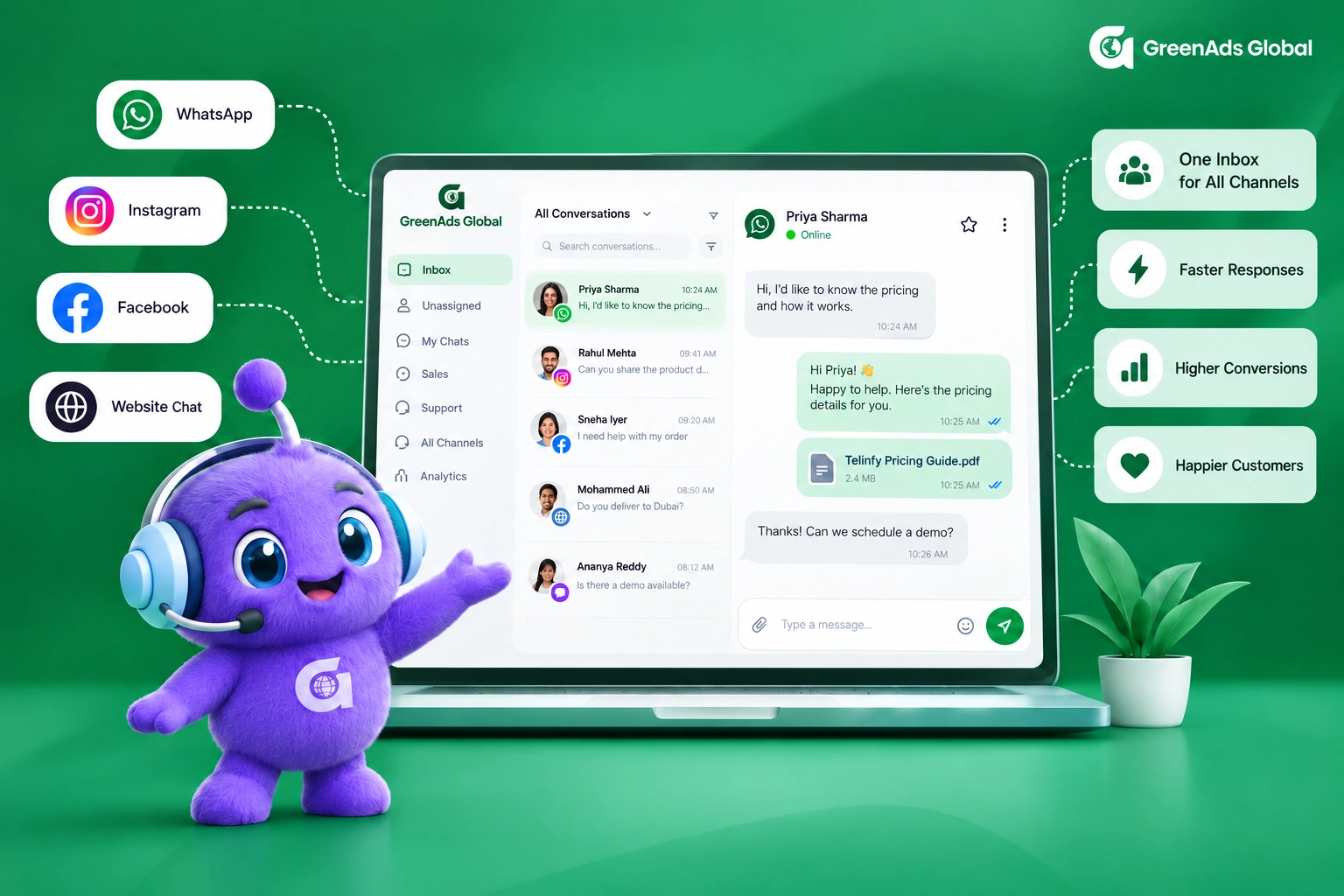
Telinfy is GreenAds Global’s omnichannel messaging platform for WhatsApp Business API, RCS, SMS and Voice. The platform is designed to connect messaging, automation, integrations and analytics so a business can coordinate communication with the systems that hold customer context.
Implementation should begin with one verified workflow and a clearly defined source of truth. Exact integration actions depend on the CRM or commerce platform, available APIs and the permissions configured for the account.
Automate the Next Useful Action, Not Just the Next Message
A reliable CRM-connected workflow reacts to current customer state, stops when the job is done and gives a person enough context when human ownership is required.
Explore Telinfy integrations and messaging workflows or book a workflow review with GreenAds Global.
See how CRM events become customer communication
Open each workflow to see the trigger, live-data check, communication action and stopping condition.
New lead qualification
Abandoned cart follow-up
Appointment communication
Payment or renewal reminder
Should the next message still be sent?
Open a customer state to see how current CRM or commerce data should change the workflow.
Lead is already qualified
Customer completed the purchase
Appointment was cancelled
Payment is complete
₹ 899
₹ 2,249
₹ 3,149
$30
$50
Frequently Asked Questions
What is CRM messaging automation?
CRM messaging automation uses CRM events or record changes to trigger communication or team actions. A reliable workflow checks the current customer state before sending and defines an exit condition so the sequence stops when the goal is complete.
Can CRM workflows send messages on more than one channel?
Yes, when the connected messaging platform and account configuration support those channels. A Telinfy multichannel workflow can coordinate configured WhatsApp, RCS and SMS communication while the CRM supplies customer and lead context.
How do you prevent automated follow-ups after a customer purchases?
Re-check the source of truth before each follow-up and use the purchase-completed event or status as a journey exit. This prevents an abandoned-cart or reminder sequence from continuing after the customer has already converted.
What CRM events are useful for customer messaging?
Common examples include a new lead, status change, meeting booking, order update, payment status, support escalation and renewal date. The trigger should represent a real business event with clear customer relevance.
Should the CRM or the messaging platform control the workflow?
It depends on the architecture. The CRM is usually the source of customer and sales state, while the messaging platform handles channel communication. The two systems should agree on triggers, identifiers, updates and stopping conditions.
Can CRM automation use WhatsApp fallback to SMS?
Yes, if the messaging setup supports it and the business defines appropriate delivery and eligibility rules. The CRM event can start the notification, while the messaging layer handles the primary route and any permitted backup. See the guide to WhatsApp and RCS to SMS fallback.
How should customer consent and opt-outs be handled in CRM-connected messaging?
Consent, channel eligibility and opt-out status should be checked before a workflow sends a message. The CRM and messaging platform should stay synchronized so a customer who opts out is not re-added to the same communication through another automation. For WhatsApp-specific requirements, review the WhatsApp Business API setup and applicable business messaging policies.
What happens when a customer replies to an automated CRM message?
The reply should become part of the customer conversation and, where appropriate, move to a human owner with the relevant CRM context available. A unified messaging inbox for sales and support can help teams manage those replies without losing the history that triggered the automation.
Which CRM data should be checked before sending an automated follow-up?
Check the fields that determine whether the message is still relevant: lead or customer status, purchase or payment state, appointment status, assigned owner, contact details, consent and any previous completion event. The exact fields depend on the workflow, but the principle is the same—use current business data before deciding the next communication.
How should businesses measure the success of CRM-connected communication workflows?
Measure the business process rather than only the number of automated messages. Useful metrics include time from trigger to first useful action, qualified leads, completed bookings or payments, correctly suppressed follow-ups, duplicate-message rate, workflow errors and successful human handoffs. Telinfy can provide the messaging and analytics layer for configured omnichannel workflows, while the CRM remains the source of customer and sales context.
You may Also like
Book a One-to-One Meeting With Our Product Expert
Have questions? We have got answers! Connect with our product expert for a personalized demo session and discover the best messaging solutions for your business.
.svg)
