Unlock Your 7-Day Free Trial with Free Credits!
Get Started for Free


How to Automate WhatsApp Campaigns Using AI + Telinfy MCP
September 26, 2026
.
Anya Sam . 5 min read
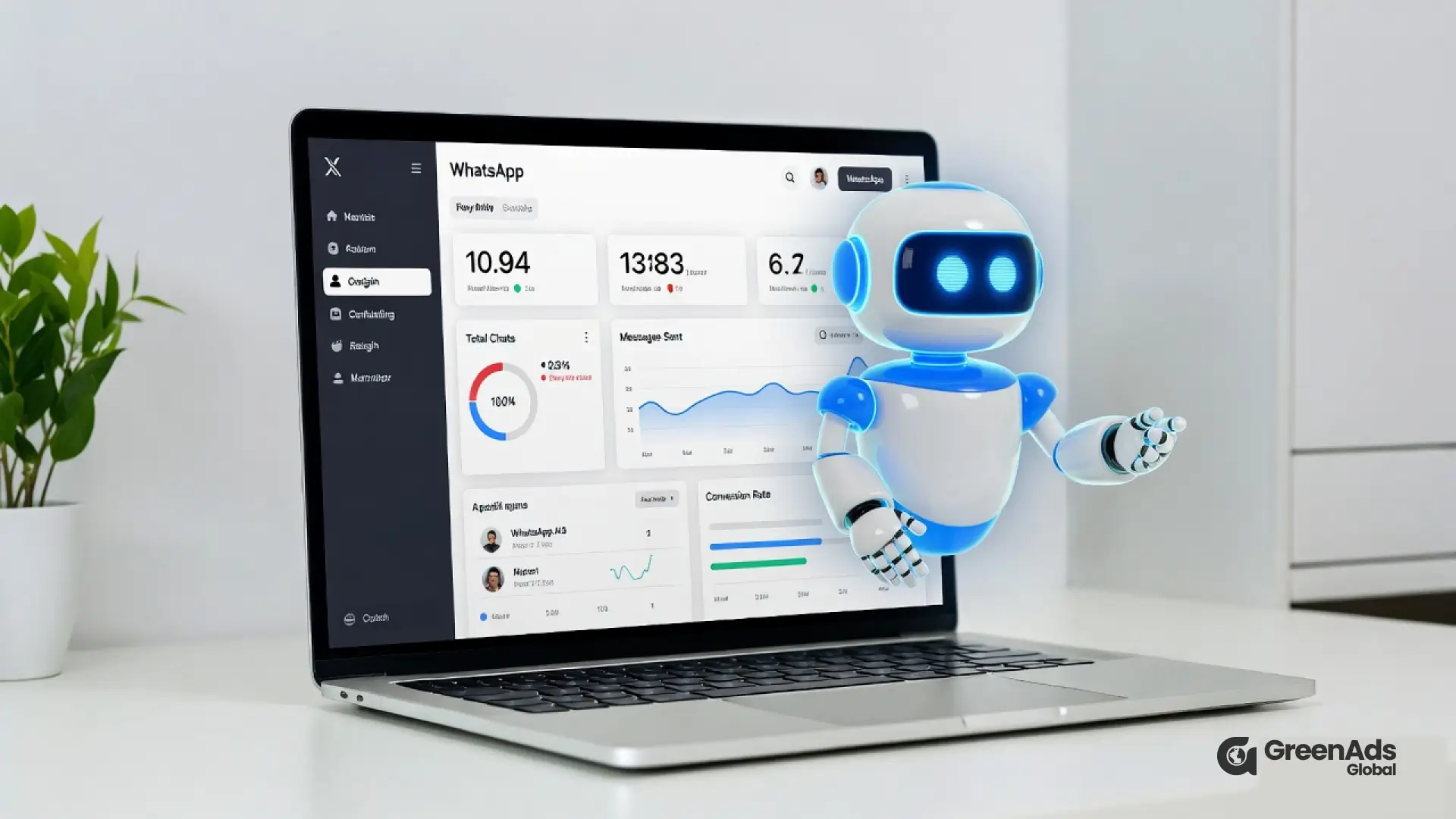

Telinfy MCP Server connects AI assistants such as Claude with the Telinfy communication platform, allowing businesses to manage WhatsApp campaigns, contacts, phonebooks and campaign reports through simple natural-language prompts.
Key benefits of Telinfy MCP Server:
- AI-Powered WhatsApp Automation: Use simple AI instructions to send WhatsApp campaigns with pre-approved templates, reducing repetitive dashboard work and manual campaign management.
- Contact and Phonebook Management: Create and manage phonebook groups, add contacts, remove inactive numbers and update customer information.
- Reports and Analytics: Retrieve SMS and WhatsApp delivery reports, access RCS delivery reports and generate campaign performance summaries without manual exports.
- No-Code AI Integration: Connect Claude to Telinfy using the MCP connector without building complex backend APIs, webhooks or custom campaign integrations.
- Multi-Channel Support: Send WhatsApp campaigns using approved templates, send and schedule SMS campaigns, retrieve RCS reports and manage DLT-compliant SMS messaging from the same Telinfy ecosystem.

WhatsApp marketing works. But managing campaigns manually? That’s slow, repetitive, and exhausting.
Now imagine this:
You tell your AI assistant,
“Send a WhatsApp campaign to all premium customers tomorrow at 10 AM with a 20% discount.”
And it actually does it.
No dashboards.
No manual uploads.
No backend API coding.
This is possible with AI + Telinfy MCP Server.
In this blog, you’ll learn:
- What AI-powered WhatsApp automation really means
- How Telinfy MCP connects AI with WhatsApp
- How to automate campaigns step-by-step
- Real business use cases
- Security and compliance explained
- Why this is the future of customer engagement
Let’s break it down simply.
What is Telinfy MCP?
Telinfy MCP (Model Context Protocol) Server is an integration layer that allows AI models (like Claude and other LLMs) to directly interact with Telinfy communication platform.
Instead of writing complex API code, AI can:
- Send WhatsApp campaigns using pre-approved templates
- Send and schedule SMS campaigns
- Manage phonebooks and contacts
- Retrieve SMS and WhatsApp delivery reports
- Retrieve RCS delivery reports
- Manage DLT-compliant SMS campaigns
It acts as a bridge between AI and real-world messaging systems.
Why Traditional WhatsApp Campaign Automation is Complicated
Normally, to automate WhatsApp campaigns, you need:
- WhatsApp Business API access
- Backend development
- Webhooks
- API authentication
- Campaign scheduling logic
- Report fetching logic
That means developers, time, cost, and maintenance.
Now compare that to AI + MCP:
You simply instruct the AI.
The AI uses Telinfy MCP tools internally.
The campaign is created and executed automatically.
No manual coding required.
How AI + Telinfy MCP Works (Simple Explanation)
Here’s what happens behind the scenes:
- You give a prompt to AI (like Claude).
- Claude securely connects to the Telinfy MCP Connector using the configured Telinfy MCP connection.
- MCP authenticates securely with Telinfy.
- AI triggers campaign tools:
- Create campaign
- Select template
- Add contact group
- Schedule message
- Create campaign
- Telinfy sends the WhatsApp campaign.
- AI can fetch and analyze reports automatically.
The entire process is automated.
Step-by-Step: How to Automate WhatsApp Campaigns
Step 1: Connect Telinfy MCP to Your AI
- Open Claude
2. Go to Settings → Connectors.
3. Select Add custom connector.
4. Enter: https://mcp.telinfy.com
5. Click Connect.
6. Sign in using your Telinfy username and password.
Once authenticated, Telinfy tools become available inside Claude.
For the complete Setup guide and troubleshooting: https://mcp.telinfy.com/docs
Step 2: Create WhatsApp Templates (Pre-approved)
Before running campaigns, ensure:
- WhatsApp Business templates are approved on your Telinfy account
- Templates follow WhatsApp messaging policies
Example template:
“Hi {{name}}, enjoy 20% off on your next order. Offer valid till {{date}}.”
Step 3: Manage Contact Groups Using AI
You can instruct AI to:
- Create a new phonebook group
- Add contacts
- Remove inactive numbers
- Update customer status
Example instruction:
“Create a WhatsApp campaign group called Premium Buyers and add all customers who spent above ₹10,000.”
AI performs contact management automatically via MCP.
For added consent protection, Telinfy MCP only allows SMS and WhatsApp campaigns to be sent to saved, active contacts in your Telinfy phonebook. Numbers that are not saved as active contacts are automatically rejected by the connector.
Step 4: Schedule a WhatsApp Campaign
Now comes the powerful part.
Instead of clicking through dashboards, you tell AI:
“Schedule a WhatsApp campaign tomorrow at 10 AM for Premium Buyers using the Diwali template.”
AI will:
- Select the template
- Attach the contact group
- Set date and time
- Confirm scheduling
Campaign scheduled.
Before scheduling a large campaign, businesses can review expected WhatsApp campaign messaging costs along with the audience size and campaign timing
Step 5: Fetch Campaign Reports Automatically
After campaign execution, AI can:
- Retrieve delivery rate
- Check failed messages
- Analyze engagement
- Generate summary reports
You can ask:
“Give me a performance report for yesterday’s WhatsApp campaign.”
AI pulls data directly from Telinfy and summarizes it.
No manual exports required.
Real Business Use Cases
1. E-commerce Flash Sales
AI monitors stock levels.
When inventory drops, it automatically sends a WhatsApp promotion.
2. Appointment Reminders
AI checks upcoming bookings.
Automatically sends reminders 24 hours before.
3. Lead Follow-Ups
AI tracks CRM leads.
If no response in 48 hours, it sends follow-up WhatsApp message.
4. Festival Campaign Automation
AI prepares campaigns in advance. Schedules them at optimal engagement time.
Dynamic WhatsApp Campaigns with Personalization
With Telinfy MCP, AI can also run dynamic campaigns.
That means:
- Upload contact data (Excel or database)
- Use variables like {{name}}, {{city}}, {{last_order}}
- Send highly personalized messages
Personalisation increases:
- Open rate
- Click rate
- Conversion rate
Compliance & Security: Why It Matters
WhatsApp messaging requires:
- Template approvals
- DLT compliance (in India)
- Secure authentication
Telinfy MCP ensures:
- Token-based authentication
- Secure session handling
- DLT-compliant messaging
- Proper campaign logging
This builds trust and protects your brand.
Benefits of Automating WhatsApp Campaigns Using AI
Here’s what you gain:
1. Zero Backend Coding
AI handles campaign logic.
2. Faster Execution
Launch campaigns in seconds.
3. Reduced Human Error
No manual scheduling mistakes.
4. Intelligent Optimization
AI can analyze reports and improve future campaigns.
5. Scalable Messaging
Run campaigns across thousands of users effortlessly.
AI + WhatsApp: The Future of Customer Engagement
We are entering a new era where AI doesn’t just answer questions.
It takes action.
With Telinfy MCP, AI becomes:
- Marketing assistant
- Campaign manager
- Reporting analyst
- Contact manager
All in one system.
This is not just automation.
This is AI-driven communication infrastructure.
Who Should Use AI + Telinfy MCP ?
This solution is ideal for:
- E-commerce brands
- Agencies managing client campaigns
- Enterprises with large WhatsApp volumes
- SaaS platforms
- CRM-integrated businesses
- Startups building AI agents
If you are already using WhatsApp API, this is your next upgrade.
For agencies and enterprises managing high messaging volumes, visibility into WhatsApp campaign messaging costs can simplify campaign budgeting across teams or clients.
Final Thoughts
Automating WhatsApp campaigns used to require technical expertise.
Now, with AI + Telinfy MCP, you can:
- Plan campaigns
- Schedule messages
- Personalize content
- Monitor results
- Optimize performance
All through simple AI instructions.
If your business depends on WhatsApp marketing, this is not optional anymore. This is the future.
See how CRM events become customer communication
Open each workflow to see the trigger, live-data check, communication action and stopping condition.
New lead qualification
Abandoned cart follow-up
Appointment communication
Payment or renewal reminder
Should the next message still be sent?
Open a customer state to see how current CRM or commerce data should change the workflow.
Lead is already qualified
Customer completed the purchase
Appointment was cancelled
Payment is complete
₹ 899
₹ 2,249
₹ 3,149
$30
$50
Frequently Asked Questions
What is WhatsApp campaign automation ?
WhatsApp campaign automation with AI allows businesses to create, manage and execute WhatsApp campaigns using simple instructions instead of manually working through dashboards. With Telinfy MCP, an AI assistant such as Claude can interact with Telinfy to manage contacts, select approved WhatsApp templates, run campaigns and retrieve campaign reports.
What is Telinfy MCP for WhatsApp automation ?
Telinfy MCP is an integration layer that connects AI models such as Claude with the Telinfy communication platform. It allows AI to perform supported messaging actions such as sending WhatsApp campaigns using pre-approved templates, managing phonebooks and contacts, retrieving WhatsApp and SMS delivery reports, retrieving RCS delivery reports and managing DLT-compliant SMS campaigns.
How does Telinfy MCP connect Claude with WhatsApp ?
Claude connects securely to the Telinfy MCP Connector through a configured custom connector. Users can open Claude, go to Settings → Connectors → Add custom connector, enter https://mcp.telinfy.com, connect and sign in using their Telinfy credentials. Once authenticated, Telinfy tools become available inside Claude.
Can AI automate WhatsApp marketing campaigns ?
Yes. AI can help businesses manage WhatsApp marketing activities by working with contact groups, approved WhatsApp templates, campaign execution and campaign reports through Telinfy MCP. This reduces the need to manually perform repetitive campaign management tasks.
What are the requirements for sending WhatsApp campaigns with Telinfy MCP ?
Before sending WhatsApp campaigns, businesses should have approved WhatsApp Business templates available in their Telinfy account. Templates should follow WhatsApp messaging policies, and campaign recipients should be saved as active contacts in the Telinfy phonebook.
How can businesses manage WhatsApp campaign messaging costs ?
Businesses handling large WhatsApp campaigns can consider WhatsApp campaign messaging costs together with audience size and campaign activity when planning their messaging budget. Campaign reports can also help teams review messaging activity and understand how campaigns are performing.
What are the main benefits of AI-powered WhatsApp campaign automation ?
The main benefits include reducing backend coding, faster campaign execution, less repetitive manual work, easier contact management, automated campaign reporting and scalable messaging. AI can also analyze campaign reports and help businesses improve future WhatsApp marketing activities.
How does Telinfy MCP manage WhatsApp campaign contacts ?
Telinfy MCP allows AI to work with phonebooks and contact groups. Businesses can instruct AI to create a phonebook group, add contacts, remove inactive numbers and update customer information. SMS and WhatsApp campaigns through the connector can only be sent to saved, active contacts in the Telinfy phonebook.
How much would WhatsApp campaign messaging cost ?
For agencies and enterprises managing high WhatsApp volumes, tracking WhatsApp campaign messaging costs can make campaign budgeting easier across different teams, customer groups or client campaigns. This is particularly useful when WhatsApp messaging is being used at scale.
Is Telinfy MCP suitable for e-commerce WhatsApp marketing ?
Yes. Telinfy MCP can support e-commerce brands using WhatsApp marketing by helping manage customer groups, approved promotional templates, personalized campaign content and campaign reporting. It can also be useful for businesses managing large customer phonebooks.
You may Also like
Book a One-to-One Meeting With Our Product Expert
Have questions? We have got answers! Connect with our product expert for a personalized demo session and discover the best messaging solutions for your business.
.svg)
