Unlock Your 14-Day Free Trial with Free Credits!
Get Started for Free


How to Send WhatsApp Marketing Messages Without Getting Blocked
January 2, 2026
.
10 min
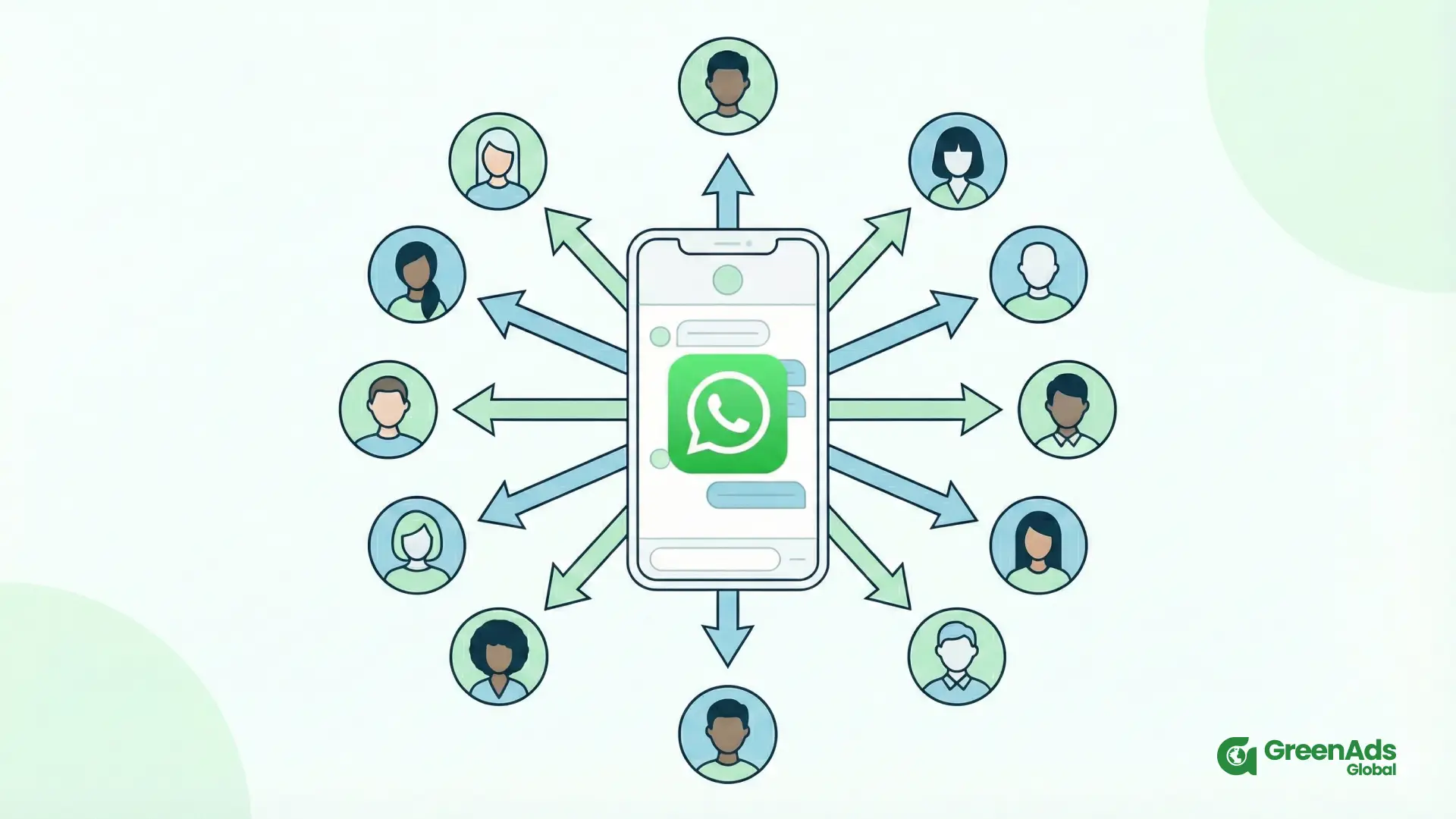
Table of contents

Your customers are already on WhatsApp. They use it to talk to family, colleagues, local shops and service providers every day. When your business appears in the same inbox with clear, helpful messages, it feels natural rather than intrusive. That is exactly where WhatsApp Marketing fits in.
The challenge is not “Can I send messages?” but “How do I send marketing messages correctly and confidently?” In this guide, we will walk through the rules, the tools and a simple step-by-step process you can follow, even if you are not very technical.
1. What are WhatsApp marketing messages
WhatsApp marketing messages are structured business messages you send to customers on WhatsApp with a clear purpose. They can help you:
- share offers and campaigns
- Send order and delivery updates
- recover abandoned carts
- follow up on enquiries
- Confirm cash-on-delivery orders
- Invite people to events, demos or consultations
Good marketing messages feel like useful, timely reminders or updates, not random spam. They respect the customer’s time and provide a clear next step.
2. Before you send: important rules to follow
You cannot treat WhatsApp like a bulk SMS gateway. There are basic rules that protect both your business and your customers.
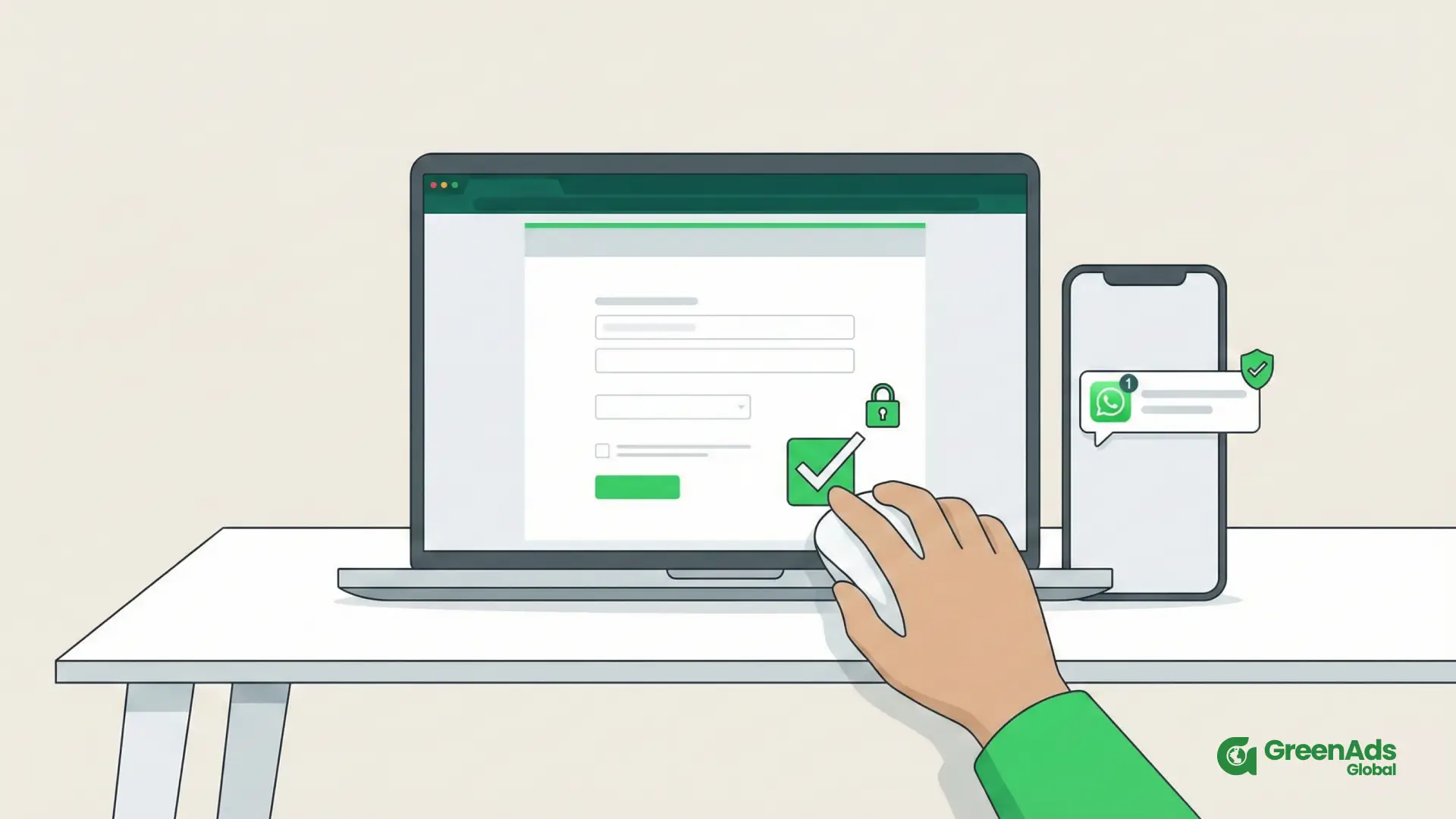
Get clear consent
- website forms and lead magnets
- checkout opt-in boxes
- WhatsApp chat widgets
- QR codes in store or at events
- Click to WhatsApp adverts
Always explain what they are signing up for, such as “order updates and occasional offers on WhatsApp”, and make it easy to opt out.
Use official channels
For professional use, you should use:
- The WhatsApp Business App for very small volumes, or
- the WhatsApp Business API with proper WhatsApp software when you are ready to scale
Avoid unofficial bulk tools that log into normal WhatsApp numbers. They break policy, damage trust and can trigger bans.
Respect timing and frequency
Send messages at reasonable times and only when they are relevant. If someone asks you to stop, honour the request quickly. Long-term trust always matters more than one extra campaign.
3. WhatsApp Business App vs WhatsApp Business API
There are two main ways to send WhatsApp marketing messages, and they suit different stages of growth.
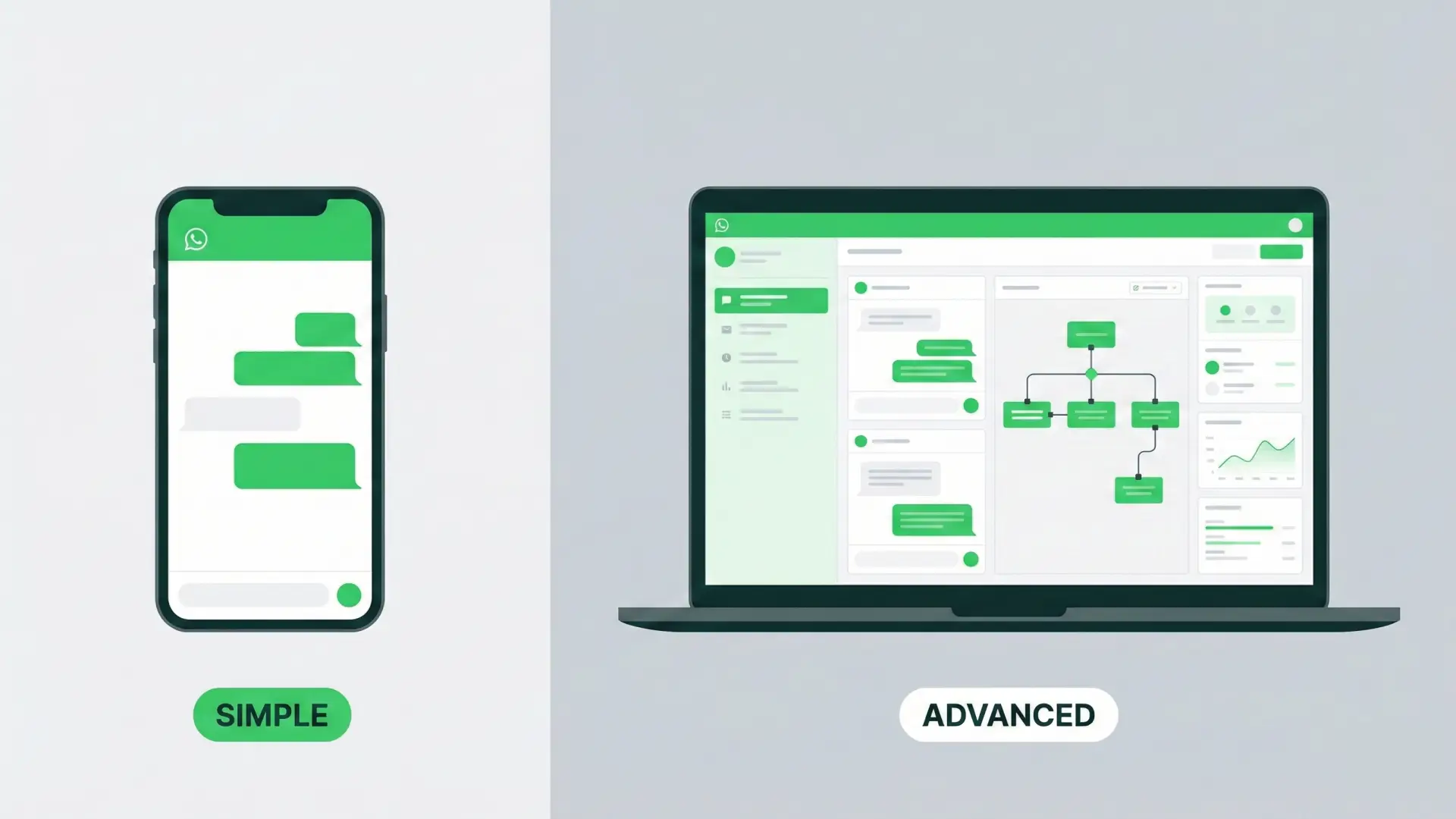
WhatsApp Business App
This is a free, phone-based app. It is suitable when you are just starting or handling a small number of chats.
You can:
- add a business profile and basic catalogue
- use away messages and quick replies
- send simple broadcasts to saved contacts
However, you cannot:
- automate complex journeys
- manage multiple agents properly
- integrate deeply with websites and CRMs
- get detailed campaign-level analytics
WhatsApp Business API
The WhatsApp Business API is designed for growing and established businesses that want proper WhatsApp Marketing at scale.
With the API and a good WhatsApp tool, you can:
- send pre-approved template messages at scale
- build automated flows like cart recovery or COD confirmation
- Manage a shared inbox for your whole team
- Sync WhatsApp with your e-commerce platform or CRM
- View detailed analytics on performance and revenue
If you plan to rely on WhatsApp as a serious growth channel, the API route with the right platform is usually the long-term answer.
4. Step by step: how to send WhatsApp marketing messages
Let us break the process into clear stages.
Step 1: Define your objectives and use cases
Before you think about tools, decide what you want WhatsApp to do for your business. Common goals include:
- Reducing abandoned carts
- confirming orders and deliveries
- responding faster to new leads
- increasing repeat purchases
- keeping customers updated without phone calls
Each goal becomes a WhatsApp Marketing use case. For example:
“Reduce lost revenue” → abandoned cart messages
“Cut fake COD orders” → COD confirmation messages
“Speed up lead follow up” → automated welcome and nurture flows
When you are clear on the goals, every message you send has a reason behind it.
Step 2: Set up your business account and choose a platform
Next, you need the right setup to send WhatsApp marketing messages safely.
- Register a WhatsApp Business number for your brand.
- Work with an official provider to connect the WhatsApp Business API.
- Choose a WhatsApp software platform that offers:
- shared inbox
- template management
- flow or journey builder
- segmentation and contact management
- analytics and reporting
- integrations with your site, store or CRM
If you are very small, you may begin with the Business App and upgrade later, but a platform gives you far more control from day one.
Step 3: Build your opt-in list properly
You now need people who have agreed to hear from you. This is your marketing list.
You can collect opt-ins at key touch points:
- Website forms: add a simple checkbox for “Send updates on WhatsApp”.
- Checkout: allow customers to choose WhatsApp for order notifications and special offers.
- Lead magnets: offer a resource or discount delivered via WhatsApp.
- Offline locations: use QR codes on posters or counters that open a WhatsApp chat.
- Ad campaigns: run Click to WhatsApp ads that start a conversation directly.
Ensure your marketing tool stores consent and tags contacts appropriately. This is important for both compliance and good list hygiene.
Step 4: Create strong WhatsApp message templates
For the Business API, many outbound messages require pre-approved templates. This is where your copywriting matters.
Typical template types in WhatsApp Marketing are:
- order and shipping updates
- booking confirmations and reminders
- abandoned cart prompts
- COD confirmation messages
- payment and renewal reminders
- promotional offers and announcements
- feedback and review requests
A good template should:
- Use simple, polite language
- Be brief and precise
- include personalisation fields like {{name}} or {{order_id}} where allowed
- finish with a clear call to action
For example:
“Hi {{name}}, your order {{order_id}} is ready for delivery. Reply 1 to confirm the address or 2 to change it.”
Your provider usually submits these templates for approval and guides you on wording rules.
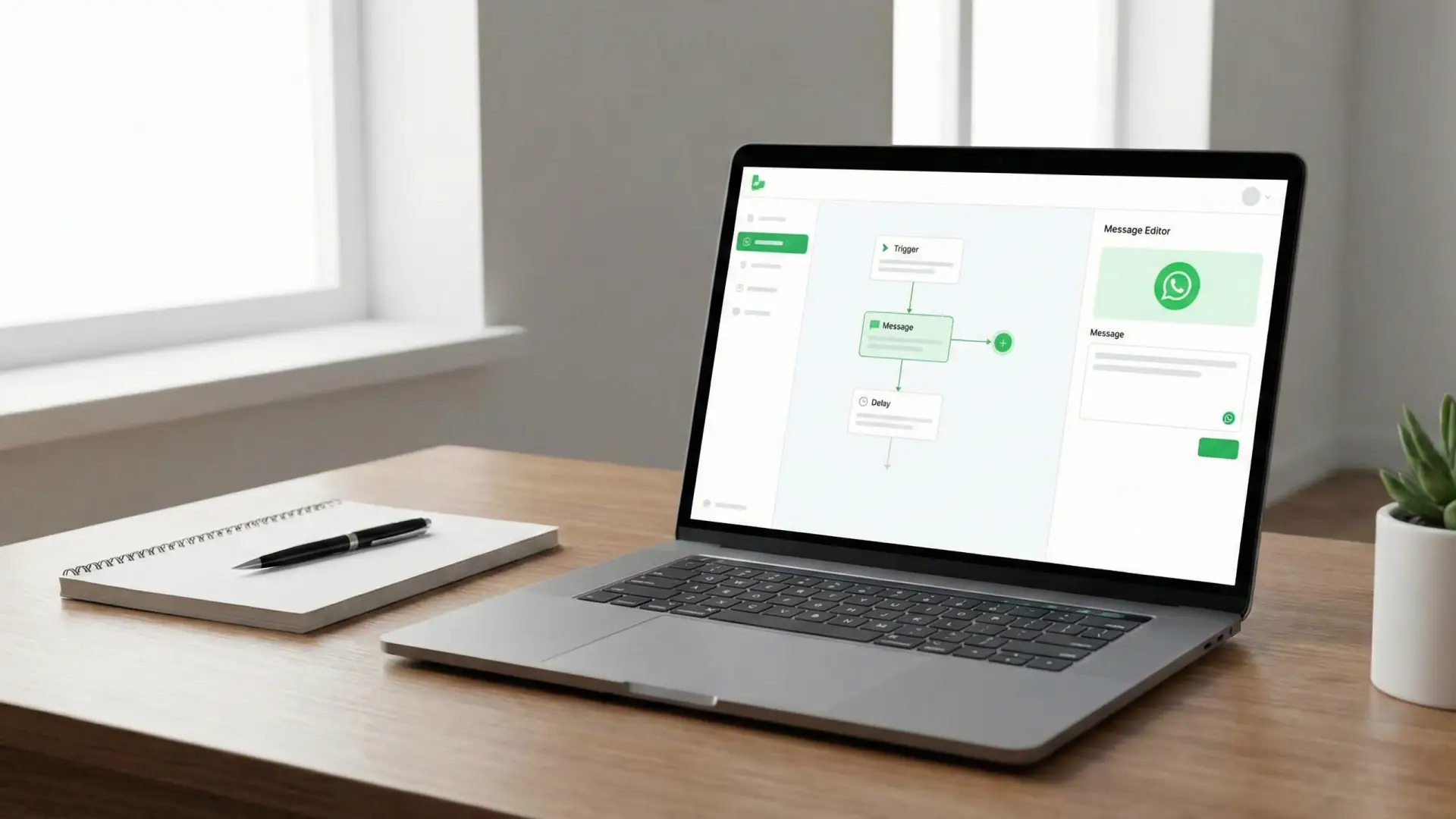
Step 5: Configure automation and broadcasts
Once templates are ready, you can decide how they should be sent.
Automated transactional messages
These are triggered by events such as:
- order placed
- order shipped
- appointment booked
- cart abandoned
- payment due date approaching
In your WhatsApp marketing software, you connect each event to a specific template. When the event occurs, the message is sent automatically. This keeps your communication consistent and timely with almost no manual effort.
Broadcast campaigns
Broadcasts are used for planned campaigns, for example:
- season or festival offers
- new product or feature launches
- webinar or event invitations
- back in stock alerts
You create a target segment, select a template, schedule the campaign and track performance. Good platforms allow you to filter by location, behaviour or past purchases so your WhatsApp Marketing stays relevant.
One-to-one follow-up
Not everything should be automated. Your team can still reply manually from the shared inbox when:
- Customers ask detailed questions
- A lead is close to buying and needs reassurance
- A situation is sensitive and needs a personal touch
Automation starts the conversation; human agents deepen it.
Step 6: Test the full experience internally
Before you send a single campaign to real customers, run internal tests.
- Add your team numbers to a test segment.
- Trigger each flow (order, cart, enquiry, reminder) and check the messages.
- Confirm that personalisation works and links open correctly.
- Check the spacing between messages so it does not feel overwhelming.
Ask your team honestly:
- Would you trust this brand from these messages
- Is the next step clear in every message
- Is the tone friendly yet professional
Only after this internal review should you start sending real marketing messages.
Step 7: Launch, observe and refine
Once live, pay attention to the data in your WhatsApp marketing tool. Look at:
- delivery and read rates
- reply and click rates
- opt-out rates or blocks
- conversion outcomes such as orders, bookings or payments
If a specific template is underperforming, adjust the wording, timing or audience. Even small changes like reordering the message or making the call to action clearer can have a noticeable impact.
WhatsApp Marketing works best as an ongoing cycle of launch, observe, adjust, rather than a one-time setup.
5. How to write WhatsApp marketing messages that feel human
The content of the message is as important as the timing. Here are simple guidelines.
Be concise and clear
People skim messages. Aim for one main idea per message and one main action.
Less effective:
“Dear valued customer, we would like to inform you about our exciting new sale as well as remind you about your abandoned cart and let you know about upcoming policy changes.”
More effective:
“Hi Meera, your cart is still waiting for you. Tap here to complete your order. If you need help, just reply to this message.”
Use a natural, respectful tone
You can be slightly formal and still sound human.
Instead of:
“Your payment was successful.”
Try:
“Thank you, your payment has gone through successfully. Here is your confirmation.”
Make action simple
Always make it very easy to respond:
- clear link
- quick reply options
- simple instructions
If the customer has to think too much or search for what to do, they will probably ignore it.
6. Common types of WhatsApp marketing messages
You can group most WhatsApp marketing messages into a few useful categories.
Service and utility messages
These include:
- order and shipping updates
- booking confirmations
- payment receipts
- application status messages
They reassure customers and reduce support workload.
Promotional and campaign messages
These are classic WhatsApp Marketing promotions:
- discounts and flash sales
- new arrivals or launches
- festive and seasonal offers
Use them in moderation and target them carefully based on behaviour or interest.
Behaviour-based reminders
These are some of the highest performing messages:
- abandoned cart reminders
- subscription or membership renewal prompts
- trial expiry reminders
- inactivity nudges
They work best when they are gentle and focused on helping people finish what they started.
Feedback and review requests
After a purchase or interaction, you can ask for:
- a quick rating
- short feedback
- a public review on a chosen platform
This improves your service and builds social proof.
7. Best practices for sending WhatsApp marketing messages
To keep your WhatsApp Marketing effective and safe, keep these principles in mind:
- Only send messages to people who opted in.
- Balance service messages with promotional ones so your chat is not just offers.
- Avoid sending multiple campaigns back-to-back without a clear reason.
- Respect typical waking hours in your customers’ time zones.
- Personalise where possible, at least by name.
- Provide a clear and simple way to stop marketing messages.
These habits protect your sender reputation and make your brand welcome in the customer’s inbox.
8. Mistakes to avoid
A few mistakes can quickly damage your efforts.
- Uploading unknown or purchased databases and blasting them.
- Using unofficial bulk senders instead of the Business API.
- Writing long, confusing messages that feel like spam.
- Ignoring replies or taking days to answer questions.
- Treating WhatsApp as a one-way advertising channel instead of a conversation space.
If you avoid these traps and focus on genuine, useful communication, your WhatsApp Marketing will feel very different from typical spam.
Final thoughts
Learning how to send marketing messages is not just about pressing send. It is about building a respectful system that sends the right message, to the right person, at the right time, using the right tools.
If you get consent, use official channels, write clearly and design simple automation around real customer needs, WhatsApp Marketing can become one of the most reliable and high-converting channels in your business.
Start with one or two key use cases, implement them properly, and then expand. Over time, you will find that some of your best conversations, strongest relationships and most profitable customers come from a single, familiar place: a WhatsApp chat that you chose to use with care and intention.
Visit here to know more about WhatsApp marketing
₹ 899
₹ 2,249
₹ 3,149
$30
$50
Book a One-to-One Meeting With Our Product Expert
Have questions? We have got answers! Connect with our product expert for a personalized demo session and discover the best messaging solutions for your business.
.svg)
